IPTV on Samsung and LG smart TVs without a stick
No stick, no box and no long password. Samsung and LG televisions get their player from the built-in app shop, and a single photo lets us activate it.
Short answer
Samsung and LG sets only install apps from their own store, so the player comes from there: IBO Player first, then ELK Player or Set IPTV. Photograph the code the app shows and WhatsApp it to us; we do the activation. Nothing to type, about 10 minutes.
- Works on
- Samsung sets running Tizen and LG sets running webOS
- Time to set up
- About 10 minutes
- Difficulty
- Easy
- Apps in this guide
- IBO Player, ELK Player, Set IPTV
- You need
- The TV, plus a phone with WhatsApp
No login yet? Compare the plans first. Unsure your connection copes with 4K? Run the IPTV speed test on the same network.
Install a player on your smart TV and get it activated
The three apps share one routine: get it from the built-in store, take a picture of the code it opens with, and WhatsApp that picture to us. Start with IBO Player, and use the other tabs only when your store lacks it.
IBO Player Paid app, we activate it
A photo of its MAC address and Device Key, sent to us. 7 days free, then a yearly or lifetime licence for each device, bought from its developer
-
Go to the TV's store
Samsung owners: press Home, choose Apps and select the magnifying glass at the top right. LG owners: press Home, then choose LG Content Store.

-
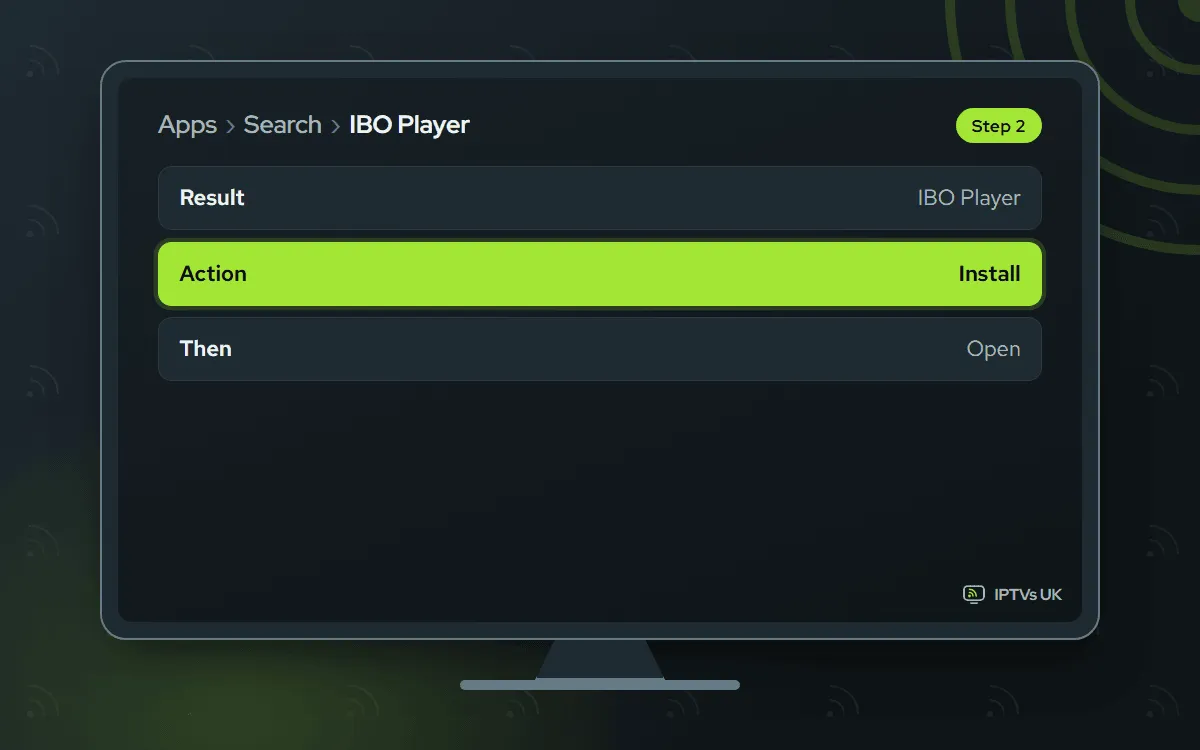
Find and install IBO Player
Search for IBO Player, open its page, then choose Install followed by Open. Some apps have near-identical names, so check that the listing refers to iboplayer.com; that site names Samsung and LG webOS among the supported devices.
-
Photograph the activation screen
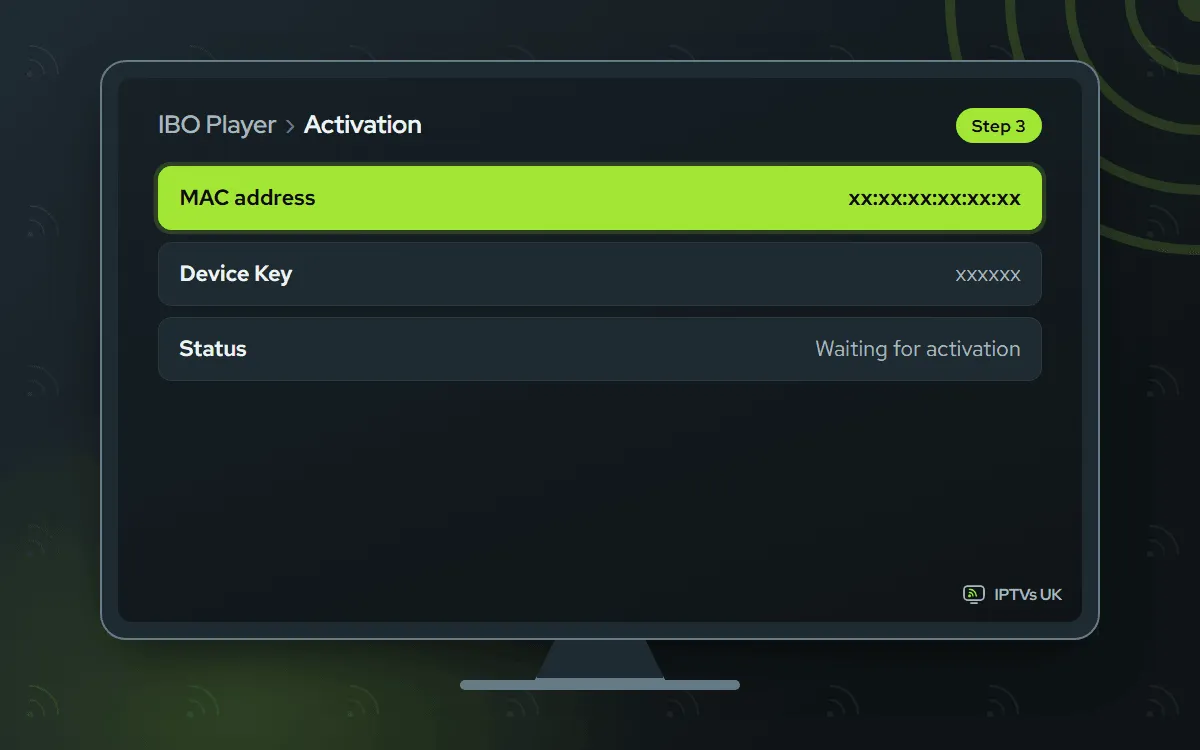
On first launch the app displays a MAC address or Device ID together with a Device Key. Capture it in a single sharp photo.
-
WhatsApp the photo to us
Message us the photo and mention IBO Player. Activation is confirmed in our reply, typically within minutes.

-
Relaunch the app
Exit IBO Player properly and start it again. Empty list? Wait a minute, then restart it once more.

ELK Player Paid app, we activate it
A photo of the Device ID, sent on WhatsApp. 14 days free, then a single fee for each device, paid to its developer
-
Open the store search
After pressing Home, open Apps and its search icon on a Samsung, or the search bar of the LG Content Store on an LG.

-
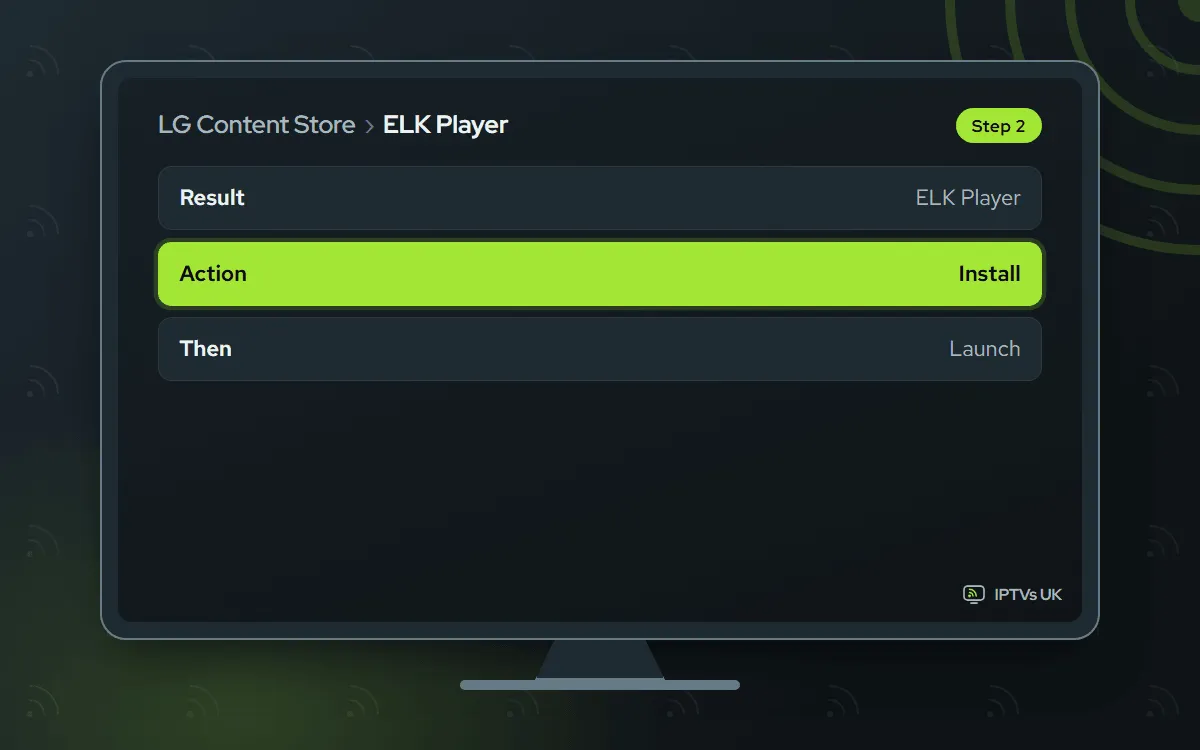
Add ELK Player
Choose ELK Player in the results, install it, and open it once the download completes.
-
Note the on-screen code
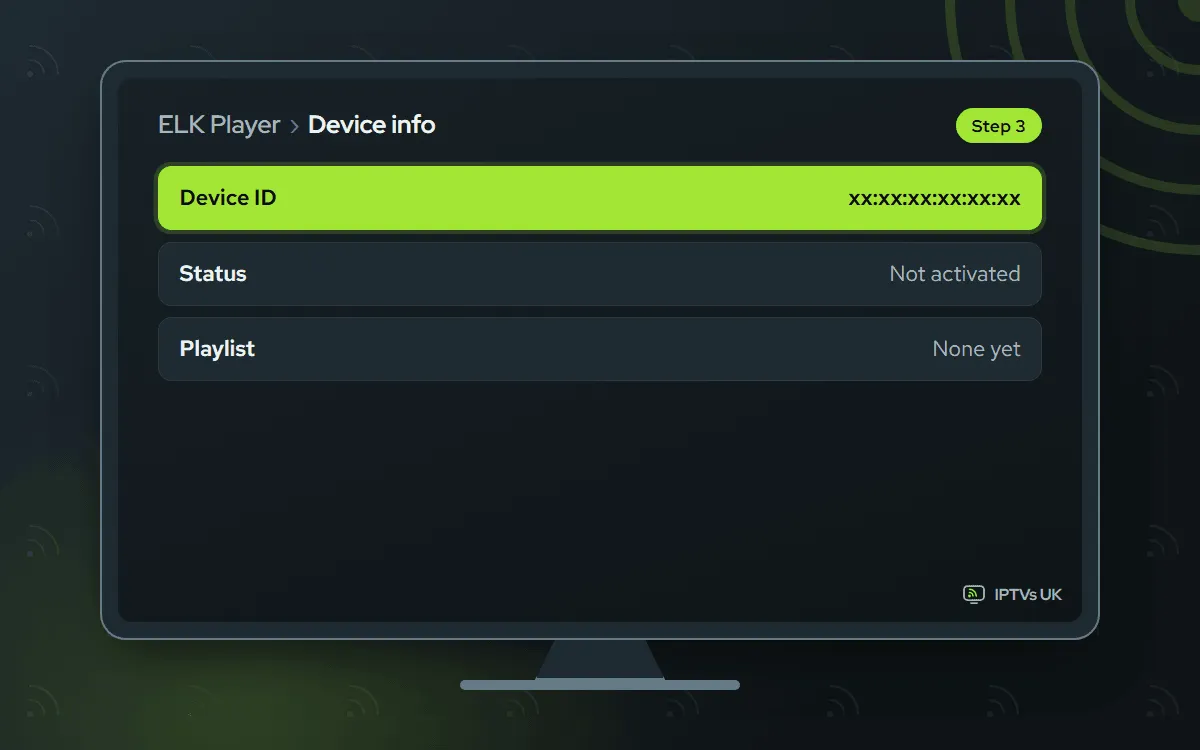
The first ELK Player screen carries your MAC address or Device ID; take a photo that shows the whole code.
-
Send the code on WhatsApp
Message the picture, naming ELK Player. We switch it on and confirm in the chat.

-
Start ELK Player again
Close it completely, then reopen it. The channel list loads.
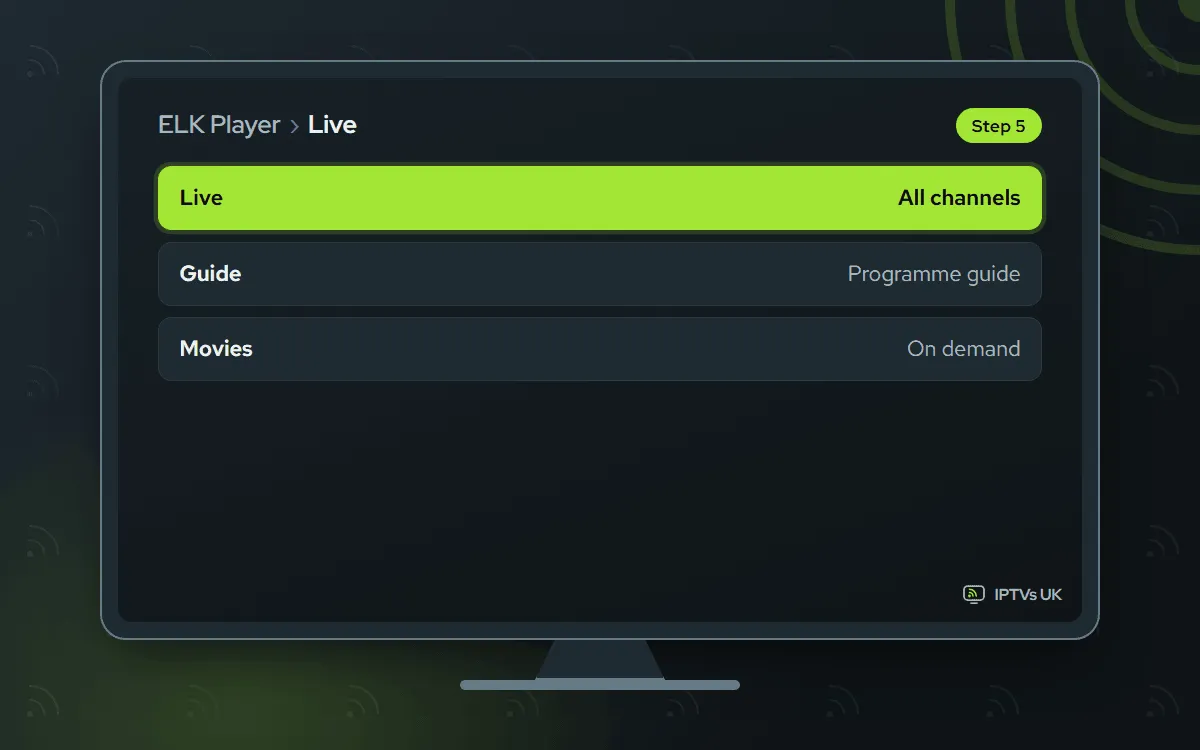
Set IPTV We activate it
You send us the MAC address it shows. Activation goes through us, from the MAC address your smart TV shows.
-
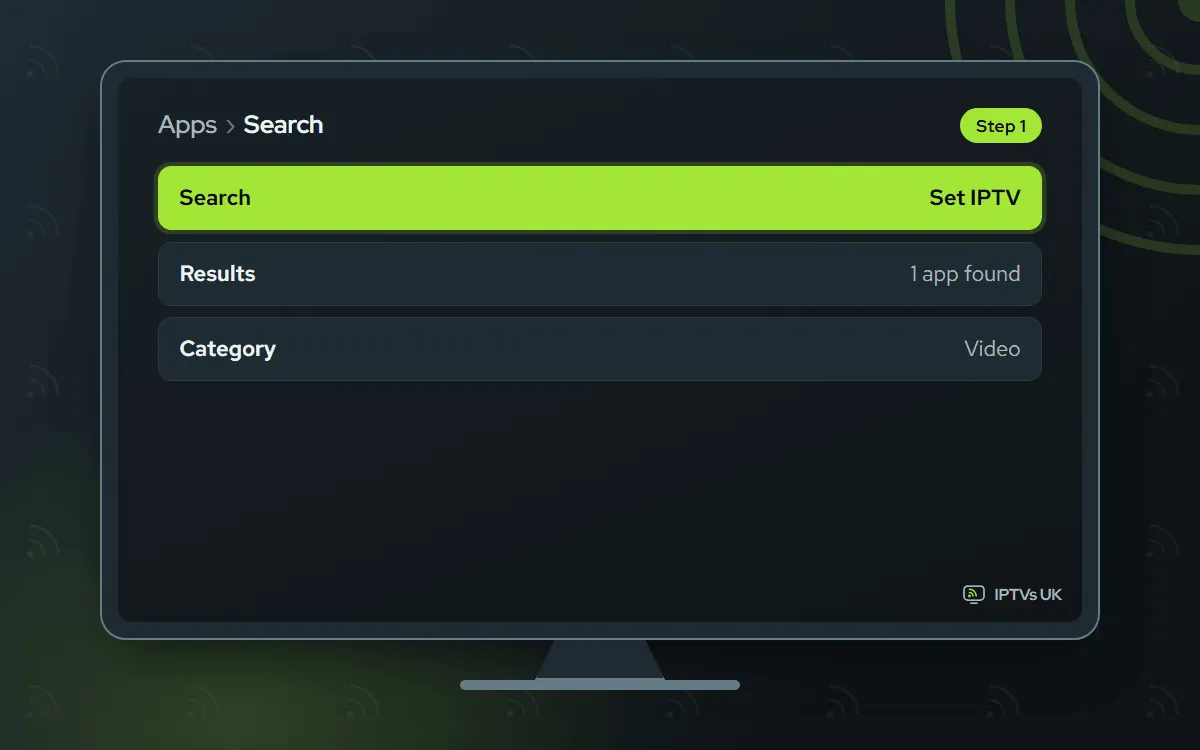
Look up Set IPTV
Search for Set IPTV in Apps on a Samsung, or in the LG Content Store on an LG.
-
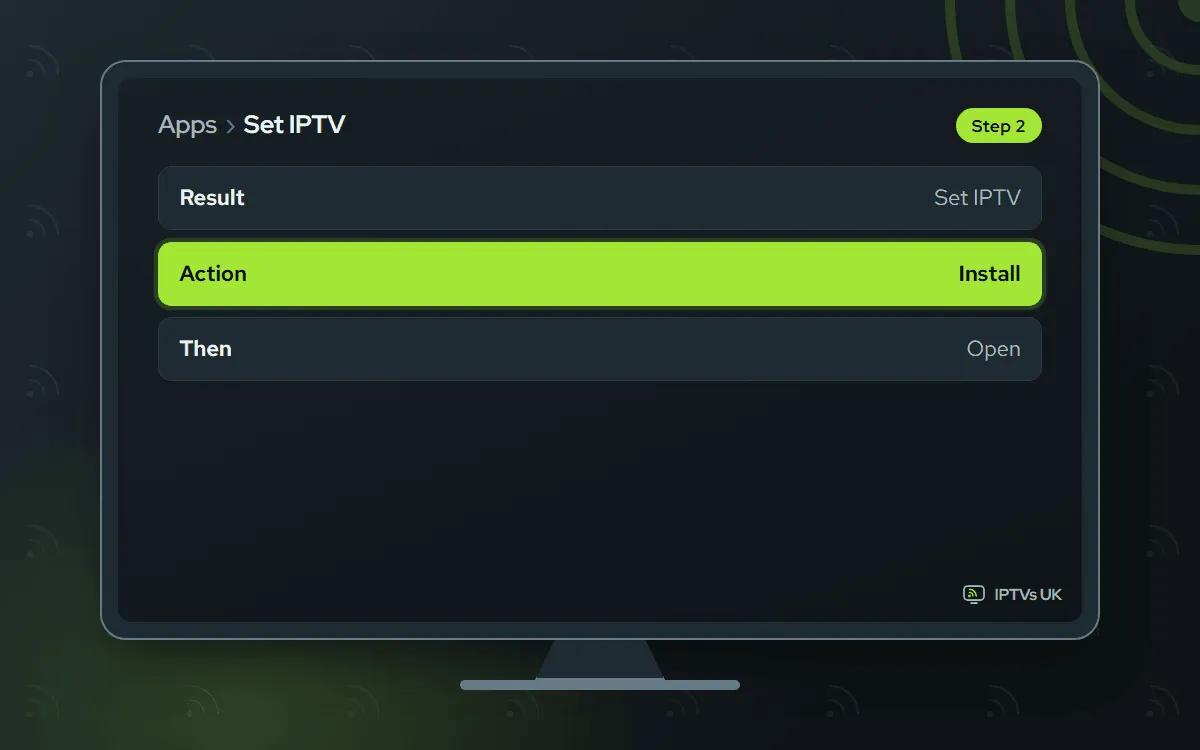
Install and launch
Choose Install, wait for the download, then select Open.
-
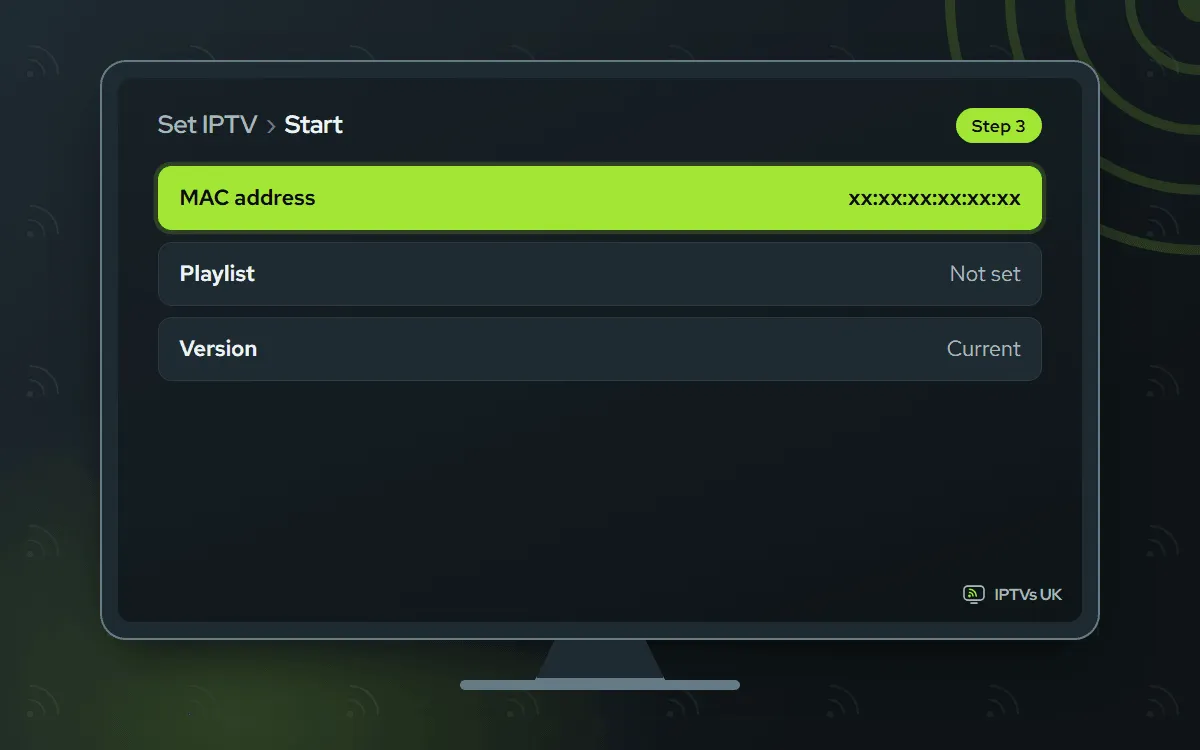
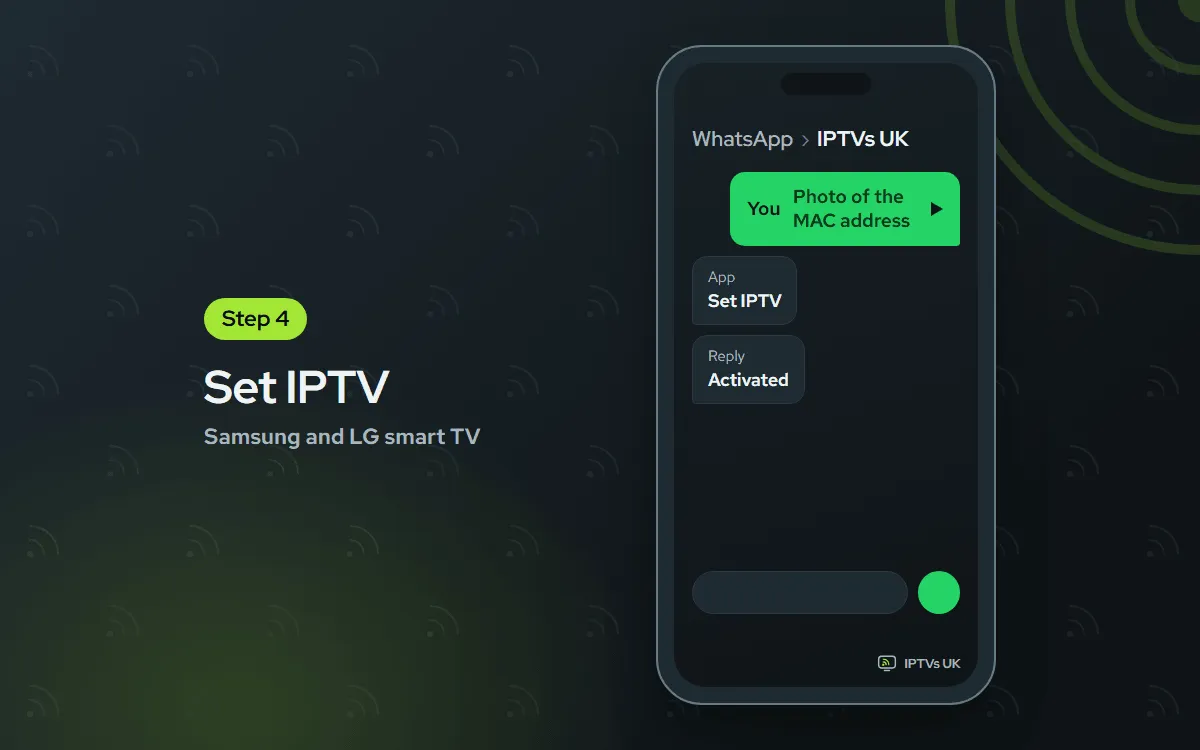
Snap the MAC address
Your TV's MAC address appears on the first Set IPTV screen. Photograph it.
-
Send us the MAC
WhatsApp the photo with the words Set IPTV, and we message you once it is ready.
-
Reopen Set IPTV
Close Set IPTV completely, then start it again to load the channels.

Before you begin
Most of a Samsung or LG setup is waiting for a download, so gather these first:
- Your TV online, ideally through its Ethernet socket if it has one.
- For the 4K version of channels, a line that holds 25 Mbps or more.
- WhatsApp on your phone, to take the photo of the code screen and send it.
- A plan. Not ordered yet? Any plan listed under plans and prices runs on these TVs.
You only do this once. After activation, the player opens like any other app on the TV.
Tizen and webOS: why there is no sideloading
Samsung builds its smart TVs on Tizen, and LG uses webOS. Neither lets you add software from outside its official shop, the Samsung store on one and the LG Content Store on the other, and there is no supported back door for app files. Downloader, short codes and APK files belong to Fire TV and Android, not to these televisions.
Activation works another way too. Instead of a server address and password, the app recognises the set by a hardware code, either a MAC address or a Device ID. That code reaches us by WhatsApp, we attach it to your plan, and on the next launch the channels are waiting. There is no typing with the remote at all; the only wait is our side of the activation, normally a matter of minutes. On these TVs this is the usual method, not a fallback.
Picking between the three players
Go for IBO Player first. Both brands carry it, and it is easy to steer with a remote. Can’t find it? ELK Player is the closest in how it works. Set IPTV is the third option. As a rule of thumb, install whichever of the three your TV offers first.
| App | What you photograph | Cost |
|---|---|---|
| IBO Player | MAC address or Device ID, with a Device Key | 7 days free, then a yearly or lifetime licence bought from its developer |
| ELK Player | MAC address or Device ID | 14 days free, then a single fee per device to its developer |
| Set IPTV | MAC address | Activation goes through us, from the MAC address your smart TV shows. |
Neither brand has a free player you can rely on, so budget for an app fee to the developer when you set up a smart TV. Because the licence is bought from the developer, we are unable to refund it. If you would rather avoid app fees, a stick in the HDMI port opens up free players.
What happens after you send the photo
Once your picture reaches us, the code gets linked to your plan and we answer in that WhatsApp thread, normally in a few minutes. That reply is your cue to close the player completely and start it again, because the app only checks its activation when it launches. On the fresh start, live channels, films and series load into their own sections, along with the full programme guide and 7-day catch-up. If you ever reset the TV or move to a new set, send us the new code in the same way.
IPTV on a Samsung TV: where to search
From the Home button on a Samsung remote, scroll sideways to Apps. Look in the upper right of that screen for the magnifying glass. Type the app name, pick the matching result and install. What the store offers varies with model year and region, so two Samsung sets in one house can show different results.
IPTV on an LG TV: the LG Content Store
Press Home and select LG Content Store from the bar along the bottom of the screen. You will find search at the very top of the store, though some webOS versions put a magnifying-glass icon at the right-hand side instead. Key in the app name, then select Install. Which players appear depends on the webOS version your model year shipped with.
When the store has none of the three
Older sets sometimes list none of these players. The tidy answer is a Fire TV Stick in a free HDMI socket, which adds free player options and quicker menus; our Fire TV Stick guide goes from the box to the first channel. Apple homes can follow the Apple TV guide, and a Google TV device is just as good.
Picture quality on a smart TV
You can choose 4K, Full HD or HD, and on a television the right pick hinges on the connection and the TV’s own processor. A cable to the router keeps 4K far steadier than Wi-Fi across the house. If a 4K channel pauses now and then, the Full HD version usually looks just as sharp from the sofa and plays without breaks. Compare a few channels before you decide, because the quality of the source varies.
Fixes for common smart TV problems
No player in the store. Listings shift between model years and regions. Try the other two names. If there is still nothing, a Fire TV Stick in a free HDMI socket sidesteps the store altogether.
The app opens but stays empty. First make sure our WhatsApp reply says the code is active. Then exit the app properly (Back is not enough), power the TV off and on, and reopen it. The list can take a minute to arrive.
4K keeps buffering. Televisions have weaker processors than streaming sticks, and 4K stretches them. Drop that channel to Full HD first. Wire the TV to the router if it has a network socket: holding 25 Mbps steadily counts for more than a high peak speed.
The programme guide is blank. Guide data takes a few minutes to arrive after a fresh activation. Give it time, trigger a refresh in the app’s settings and relaunch.
It stopped after a TV update. A firmware update sometimes changes the code the player reports, so our system stops matching it to your TV. Open the player, check the code on screen against your original photo, and if it differs, WhatsApp us the new one.
The remote lags inside the app. When memory fills up, every menu drags. Close other apps, pull the TV’s plug for a minute and plug it back in. With the memory cleared, the app usually feels quick once more.
Watching on the TV and another screen
Screens playing at the same moment each use a device from your plan, so watching on the TV while someone else uses a phone means choosing a plan for 2 or 3 devices, set on the IPTV subscription prices page. The television runs an activated player, whereas the phone uses an app where the login is typed in. Each of your other devices has its own guide in the setup hub.
