IPTV on Apple TV: pick a player and sign in
Four App Store players work on tvOS with the same login. Either a photo lets us activate the app for you, or you key in the login once from your iPhone.
Short answer
Apple TV gets its IPTV player from the App Store. With IBO Player or ELK Player, one photo of the codes on screen is enough and we activate it. With the free Smarters Player Lite or UHF, you type our Xtream Codes login once, using your iPhone as the keyboard. About 5 minutes in all.
- Works on
- Apple TV 4K or the older Apple TV HD, both on tvOS
- Time to set up
- About 5 minutes
- Difficulty
- Easy
- Apps in this guide
- IBO Player, ELK Player, Smarters Player Lite, UHF
- You need
- The login from WhatsApp, and ideally your iPhone
No login yet? Compare the plans first. Unsure your connection copes with 4K? Run the IPTV speed test on the same network.
Install a player on Apple TV and sign in
IBO Player and ELK Player come first because we activate them, so there is nothing to type. The free pair, Smarters Player Lite and UHF, use the Xtream Codes login instead, and your iPhone can type it for you.
IBO Player Paid app, we activate it
You photograph its codes and send them to us. 7 days free, then a yearly or lifetime licence for each device, paid to its developer inside the app
-
Get IBO Player from the App Store
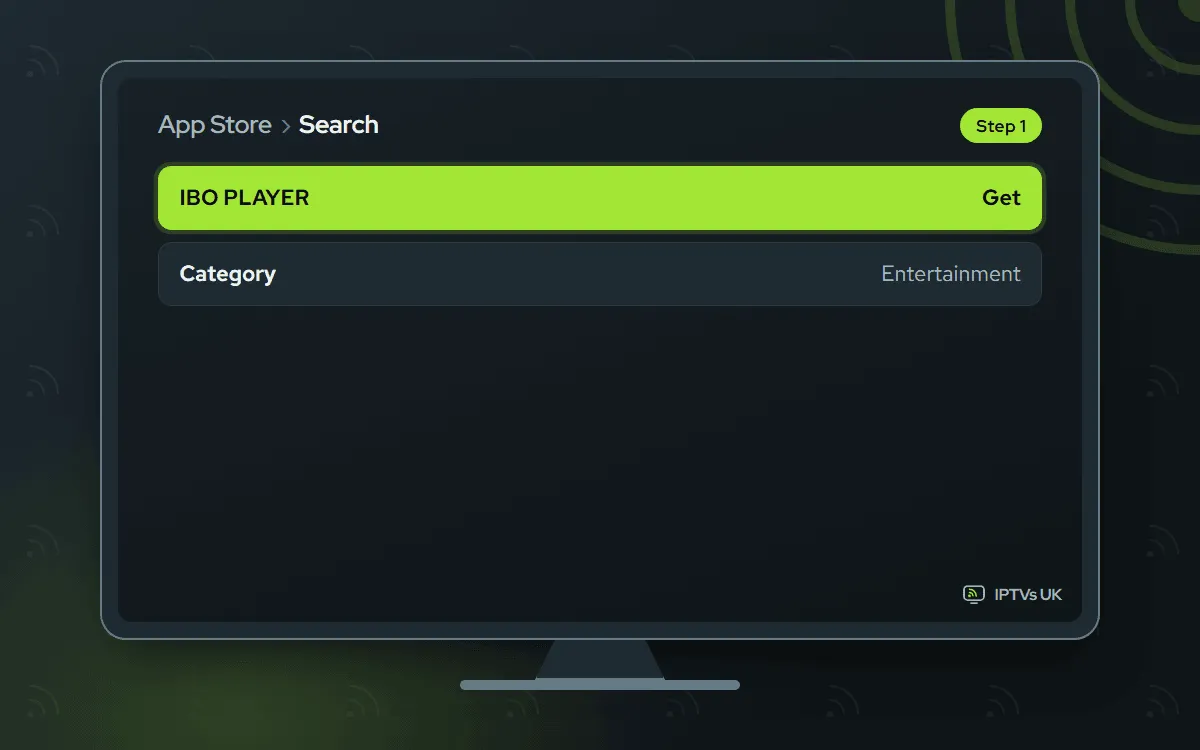
Open the Apple TV's App Store and search IBO PLAYER. Choose the result that matches the official IBO Player listing, then select Get. Opening the link on your iPhone first lets you compare the icon and name, which matters because copycat IPTV apps exist in the store.
-
Photograph the Device ID and Key
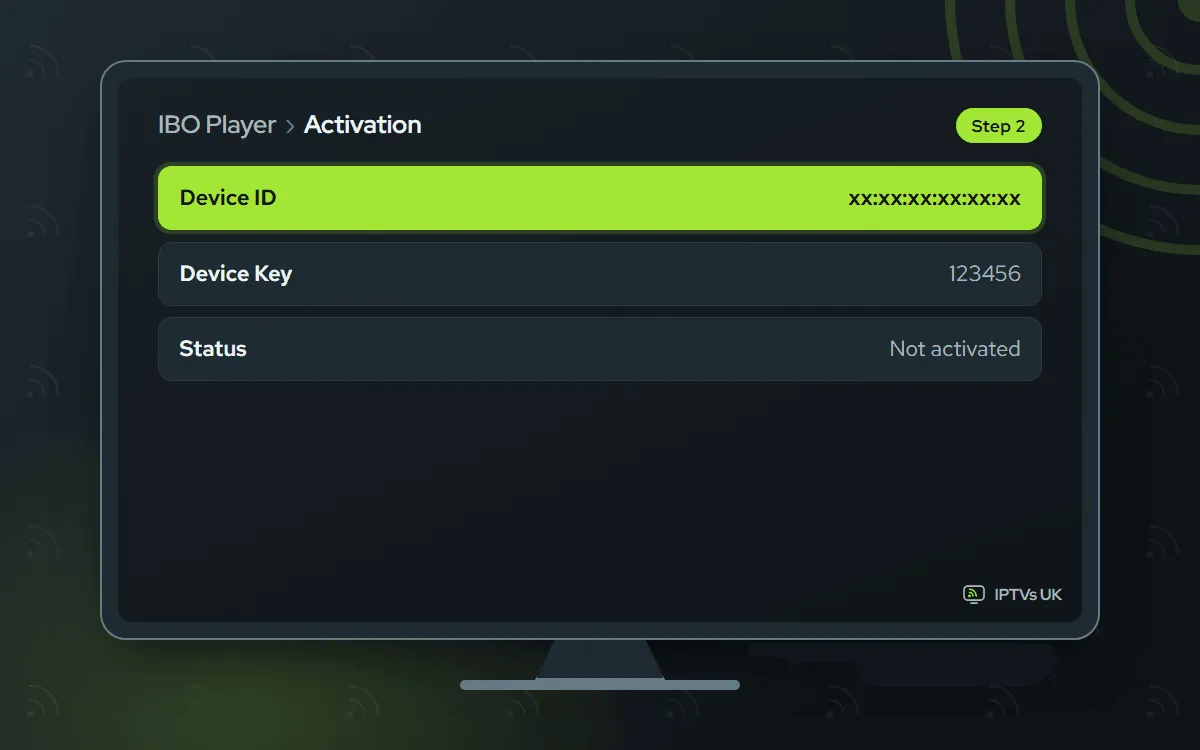
Launch IBO Player. Two codes, the Device ID and the Key, appear on its opening screen; photograph the TV with your phone.
-
Send the photo on WhatsApp
Message us the picture and mention IBO Player on Apple TV. Linking the box to your plan takes us a few minutes, then we message back.

-
Relaunch and watch
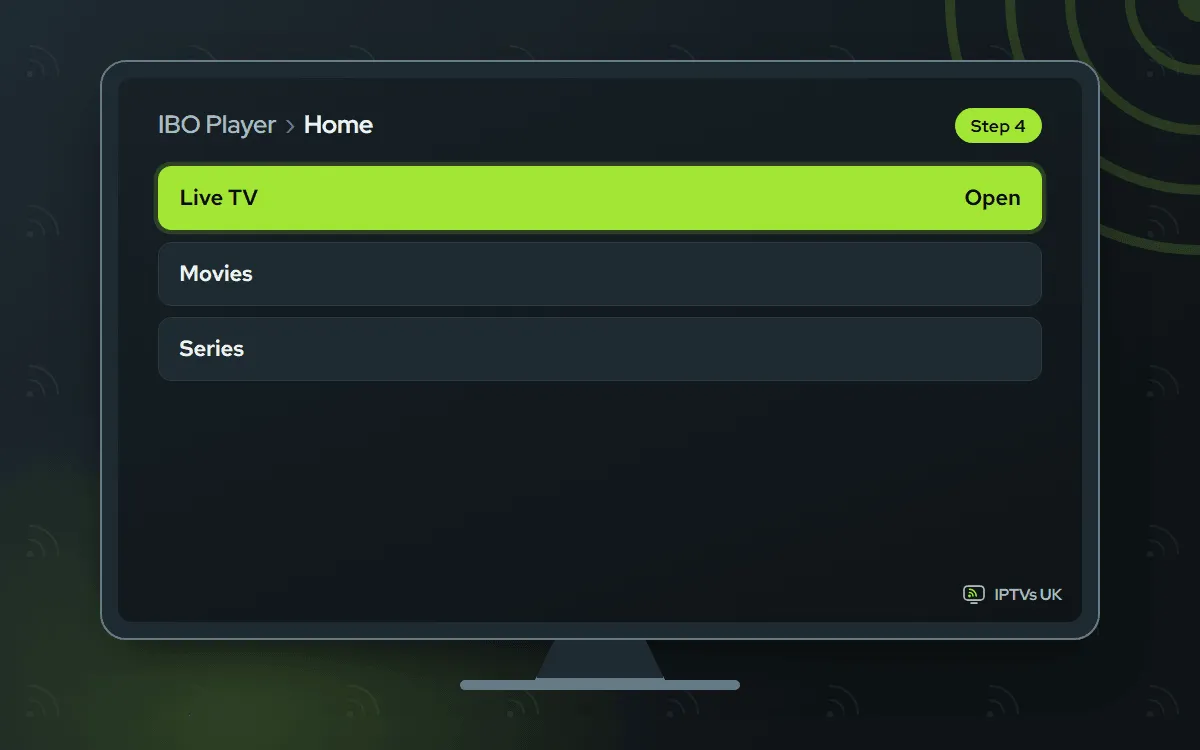
Close IBO Player in the app switcher, start it again and your channels load. Nothing yet? Give it a minute and reopen it.
ELK Player Paid app, we activate it
One photo of its codes, sent to us. 14 days free, then a single fee for each device, paid to its developer
-
Get ELK Player
On the Apple TV, search App Store listings for ELK Player and select Get.

-
Photograph its codes
Open ELK Player; its first screen carries a Device ID and a Key. Photograph them clearly.

-
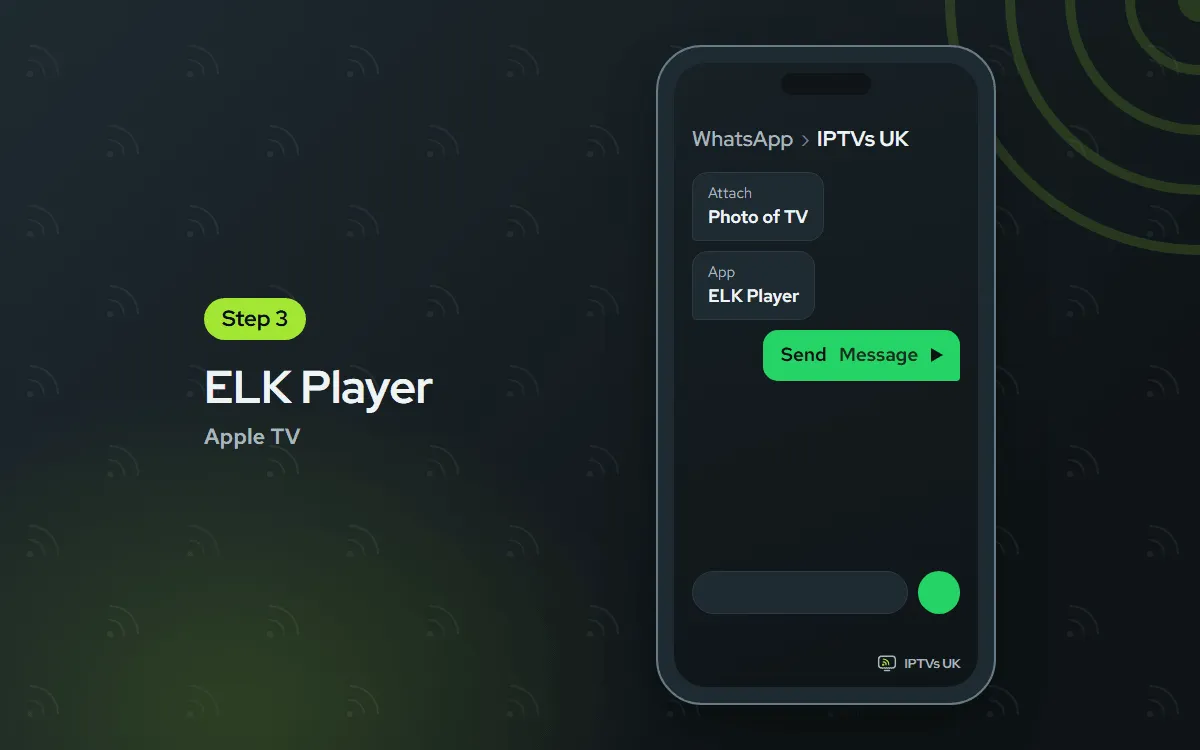
WhatsApp us the picture
Send the picture, naming ELK Player in your message. Once it is linked to your plan, we let you know.
-
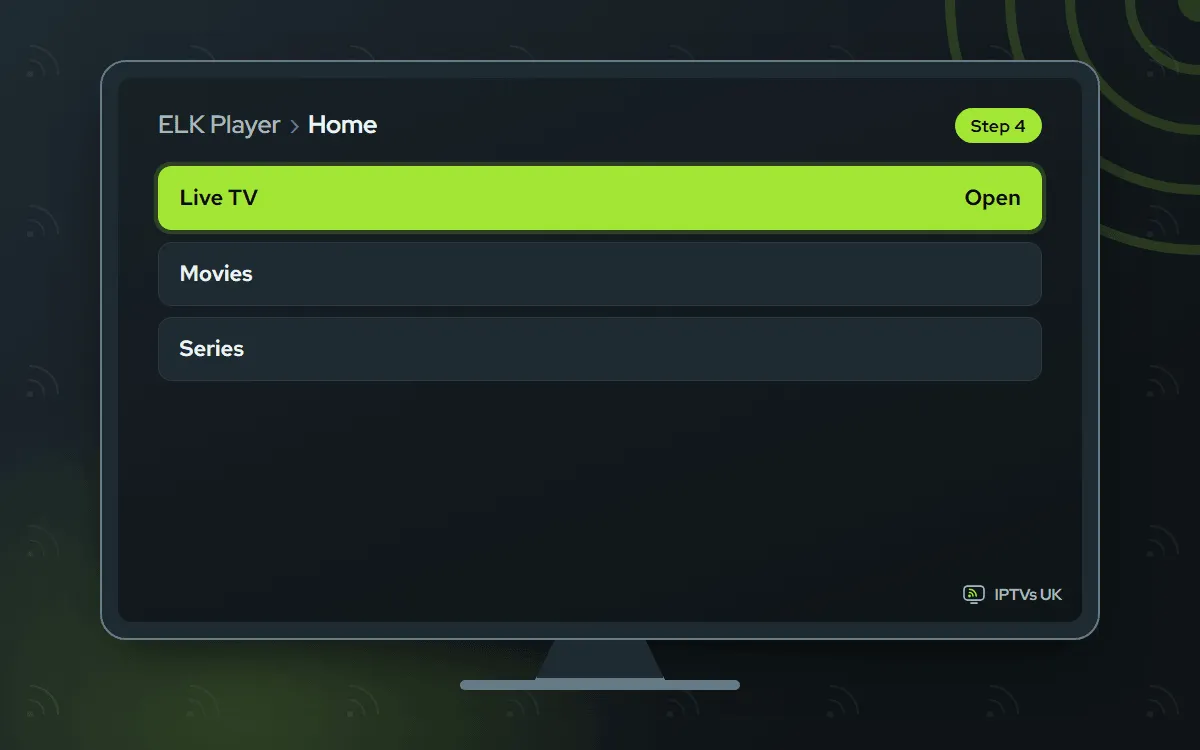
Open ELK Player again
Swipe ELK Player away in the app switcher, launch it again and choose a channel.
Smarters Player Lite Free app, you type the login
You type the Xtream Codes login once. Free, and the App Store version of IPTV Smarters
-
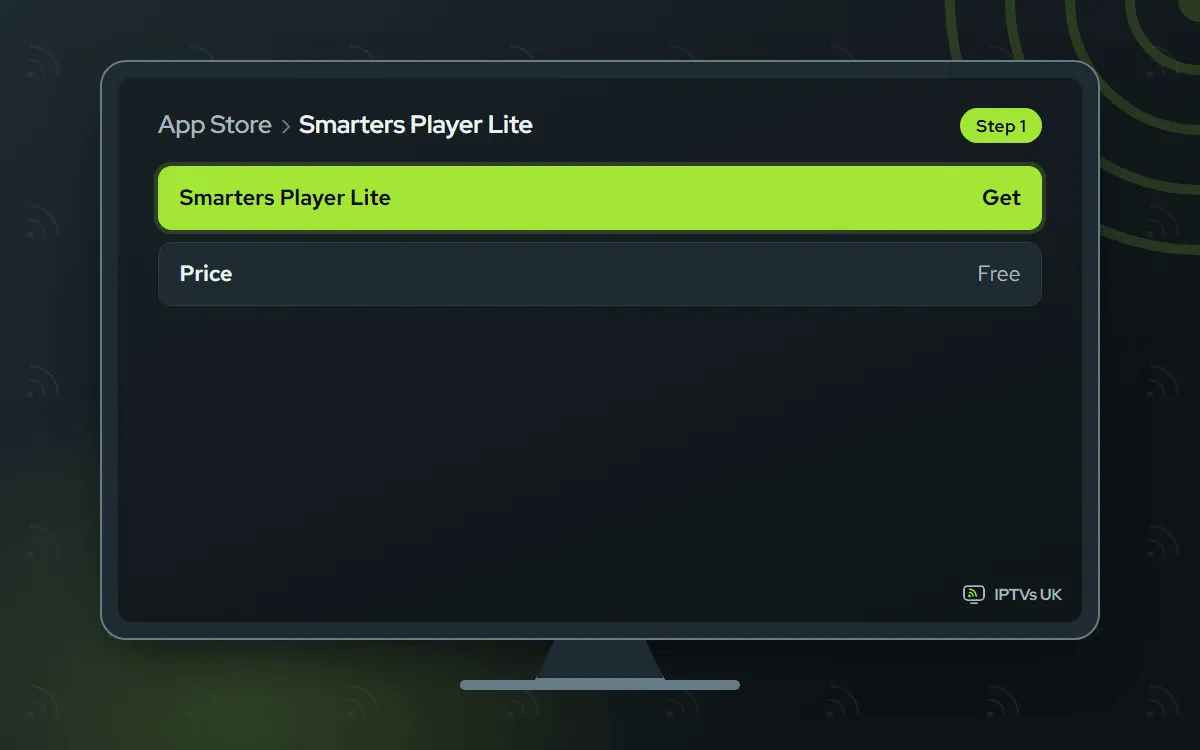
Get Smarters Player Lite
Look up Smarters Player Lite in the tvOS App Store and choose Get. The official listing shows what to look for.
-
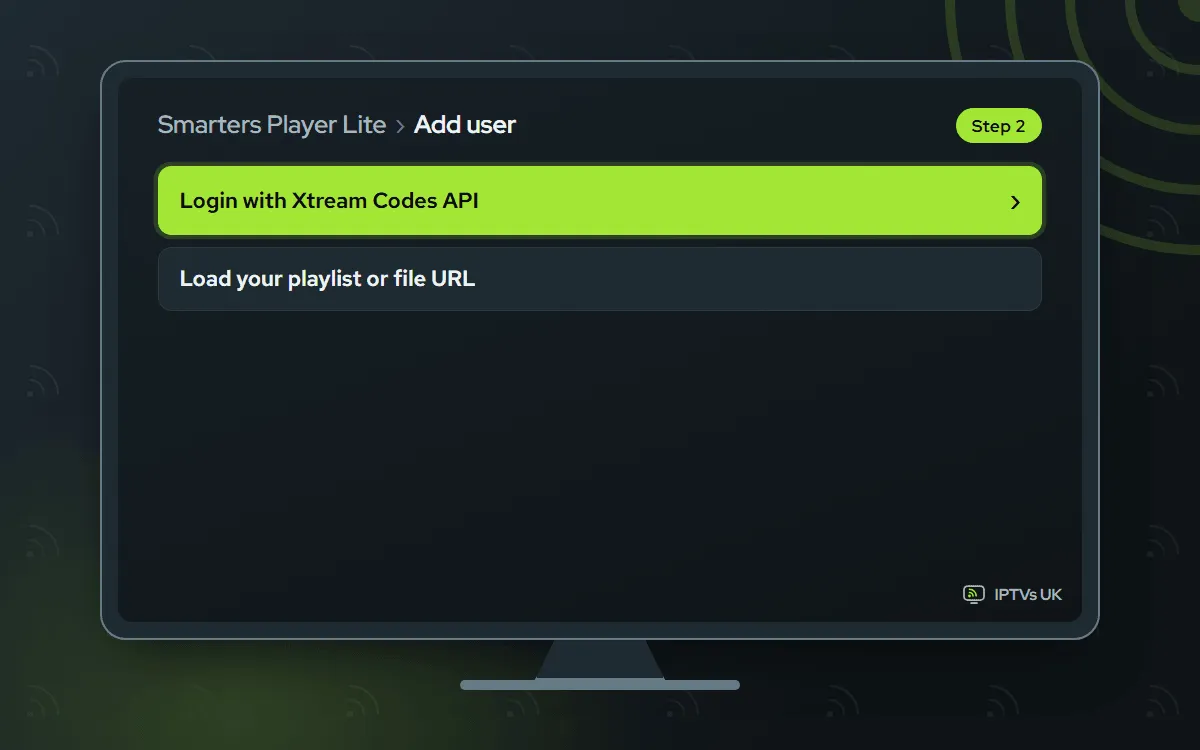
Pick Login with Xtream Codes API
Start the app, accept its terms and choose Login with Xtream Codes API.
-
Type the login and add the user
Type a profile name of your choice and the three login fields from our message; the iPhone keyboard prompt makes this faster. Finish with Add user.

UHF Free app, you type the login
You type the Xtream Codes login once. Free; an optional Pro plan is sold by its developer
-
Get UHF
Look up UHF in the App Store on the box and choose Get. The official listing shows the right app.

-
Add a playlist
Open UHF, choose Add playlist and select Xtream Codes, or M3U if you would rather use the single link. It works just like the iPhone version.

-
Enter the login and save
Type our server URL, username and password, then select Save. The channels and guide load over the next moments.

What to have ready
Setting up IPTV on Apple TV goes smoothly with these in place:
- The Apple TV connected to your television, running current tvOS, with your Apple ID signed in to the App Store.
- A dependable connection: Ethernet if your model has the port, otherwise strong Wi-Fi. Plan on 25 Mbps or more for 4K.
- Our WhatsApp message, which holds the login fields and an M3U link. No plan yet? Start on the plans and prices page; the login follows within minutes of the order.
- Your iPhone within reach if you want to type faster, and about 10 minutes.
You do all of this once. After that, the player opens straight to your channels.
Why TiviMate is not on Apple TV
TiviMate is an Android app, and Apple TV runs tvOS, so it simply is not available there. That is no loss for your plan: IBO Player, ELK Player, Smarters Player Lite and UHF all run on tvOS and all accept the login we send. This guide covers each of them, with IBO Player first.
Choosing a player for IPTV on Apple TV
The Siri Remote is pleasant for browsing and slow for typing, and that shapes the choice.
| App | How you sign in | Cost | Why pick it |
|---|---|---|---|
| IBO Player | Photo of its codes; we activate | 7 days free, then a yearly or lifetime licence bought in the app from its developer | Nothing to type at all |
| ELK Player | Photo of its codes; we activate | 14 days free, then a single fee per device to its developer | Same hands-off setup, another layout |
| Smarters Player Lite | You type the Xtream Codes login | Free; it is the App Store version of IPTV Smarters | A familiar layout at no cost |
| UHF | You type Xtream Codes or the M3U link | Free, with an optional Pro plan from its developer | A design that suits the Apple TV well |
If you have no strong feeling either way, go with IBO Player. Don’t mind entering the login once, with the iPhone as keyboard? Then the two free apps are excellent. The same login works in all four, so switching later costs nothing.
How photo activation works on Apple TV
With IBO Player and ELK Player, the app identifies your Apple TV by a Device ID and a Key rather than by a username. You send us a photo of those two codes on WhatsApp, and we attach them to your plan from our side, usually within minutes. There is nothing to enter on the developer’s website. Once we reply, remove the app via the app switcher and launch it once more, because tvOS apps only check their activation on a fresh launch. Keep the photo: if a reset or an update ever changes the Device ID, a quick comparison shows it.
Let your iPhone do the typing
Entering a server address letter by letter with the Siri Remote is where most typos creep in. Your iPhone fixes that. When a text box appears on the Apple TV, a keyboard prompt pops up on any iPhone nearby: tap the prompt, and the login can be typed or pasted from the iPhone itself. Another route is the Apple TV Remote in the iPhone’s Control Center, which has its own keyboard.
The safest method is copy and paste: open our WhatsApp message on the phone, copy each field and drop it into the text box. That keeps the capitals, the http:// prefix and the port exactly right.
Smoother playback: two Apple TV settings
Two switches make the most visible difference. Open Settings › Video and Audio › Match Content. Inside, enable Match Dynamic Range first, then Match Frame Rate. From then on the Apple TV adapts to every stream’s native frame rate and dynamic range, which cures the judder on slow pans and fast sport.
Next, check the connection. Use Ethernet where your Apple TV has a port; the 2022 Apple TV 4K sold as a Wi-Fi only model has none. Install tvOS and player updates as they arrive, and if streams begin to stutter, use Settings, System, Restart. A single soft-looking channel is usually down to its source, so compare it with another before changing settings.
Finding the right listing in the App Store
Search for the exact app name. IPTV Smarters appears in the App Store as Smarters Player Lite, so a search for the old name may show nothing useful. Some apps are only offered in certain App Store countries, so if a player is missing, confirm which country your Apple ID belongs to. Every app in this guide has a tvOS version, and the links in the steps above point to the official listings.
Apple TV troubleshooting
The app will not show in the App Store. Type the full, exact name, remember the Smarters Player Lite name, and confirm which country your Apple ID belongs to.
The picture stutters in 4K. A cable to the router is the first fix; failing that, reduce the distance to the router. For a test, stick with Full HD over a couple of evenings. Should the stutter disappear, your Wi-Fi is the bottleneck, and wiring the box or adding a mesh point brings 4K back.
The app stays empty after activation. Double-click the TV button for the app switcher and flick the player upwards to close it. Start it afresh and allow a minute. The activation is only picked up on a fresh launch. Still empty? Send us the Device ID on WhatsApp and we will check it.
Sound and picture are out of step. Switch to another channel and back to reset the stream. If the sound comes through a soundbar or AirPlay speakers, Settings, Video and Audio has a Wireless Audio Sync tool: run it with your iPhone close to the screen. A few players also have an audio delay control in their own menu.
The player crashes after a tvOS update. First install any update for the player, then reboot through Settings, System, Restart; developers usually ship a fix quickly after tvOS changes. Should IBO Player or ELK Player display a different Device ID after the update, WhatsApp us the new code and we transfer the activation.
One login on the Apple TV and other screens
The plan limits simultaneous streams, not installs. With a 2-device plan, the Apple TV and an iPhone can both stream together; with a 1-device plan, one of them waits. Every screen gets its own player with the same login; for IBO Player or ELK Player, send us the Device ID of each box or phone. Compare plan sizes on the IPTV subscription prices page.
More setup guides
Want to watch away from home too? Our iPhone and iPad guide covers the same four apps on iOS. For a television without a box, see the Samsung and LG guide, and for a low-cost stick, the Fire TV Stick guide. Every device is listed in the setup hub.
