IPTV on Google TV and Chromecast with Google TV
A Google TV Streamer or a Chromecast with Google TV runs Android underneath, so the same players work. The only extra is a hidden developer switch.
Short answer
Google Play comes with every Google TV, so TiviMate and ELK Player install like any other app. For IBO Player, turn on developer mode, add Downloader and type 1171959, then send us a photo of its Device ID and Key. The whole job takes about 5 minutes.
- Works on
- Google TV Streamer, Chromecast with Google TV and other models running Google TV
- Time to set up
- About 5 minutes
- Difficulty
- Easy
- Apps in this guide
- IBO Player, TiviMate, ELK Player, IPTV Smarters
- You need
- Login details from our WhatsApp reply
No login yet? Compare the plans first. Unsure your connection copes with 4K? Run the IPTV speed test on the same network.
What counts as Google TV?
Google TV is the home screen Google puts on top of Android. You find it on the Google TV Streamer, on the Chromecast with Google TV and on other Google TV devices. Because Android sits underneath, IPTV on Google TV uses the same players, codes and logins as on Android TV. Google Play is built in, so most of the apps are a search away.
The main difference shows up when an app is not in the store. Google TV keeps the permission that lets Downloader install apps out of sight until you enable developer mode. That takes under a minute, and you only do it once.
What to have ready
- The Google TV device connected to the television, powered up and signed in to Google Play.
- A steady home connection. For 4K, plan on 25 Mbps or more, though Full HD and HD get by on less. For 4K, a cable or 5 GHz Wi-Fi helps most.
- Our WhatsApp reply holding the login and the M3U link. Have not ordered yet? Pick a plan on the plans and prices page first.
- The remote, your phone for photos and about 10 minutes.
Turn on developer mode first
You need this step for IBO Player, and for any app that your Google Play does not list. Skip it if you are installing TiviMate, ELK Player or IPTV Smarters straight from the store.
- Open Settings on your Google TV.
- Go to System, then About.
- Highlight Android TV OS build and click it 7 times quickly. An on-screen note tells you developer mode is active.
- Once Downloader is installed, open Settings, Apps, Special app access, Install unknown apps, then turn Downloader on.
The install permission only applies to the app you switch on, so leave every other entry in that list off, and type only the codes on this page.
Install a player on Google TV and sign in
IBO Player leads the tabs since activation is our job, but it installs through Downloader, so turn on developer mode before step 1. The other three apps are usually a Google Play search away.
IBO Player Paid app, we activate it
One photo of its codes is all we need. 7 days free, then a yearly or lifetime licence for each device, bought from its developer
-
Install Downloader and let it add apps
Find the free Downloader app in Google Play and install it. If the install permission is missing, enable developer mode first: go to Settings, System, About and click Android TV OS build 7 times. Now turn Downloader on under Settings, Apps, Special app access, Install unknown apps.

-
Enter 1171959 in Downloader
Open Downloader, put
1171959in the address field and select Go. Google TV then installs the real IBO Player file from iboplayer.com once you confirm.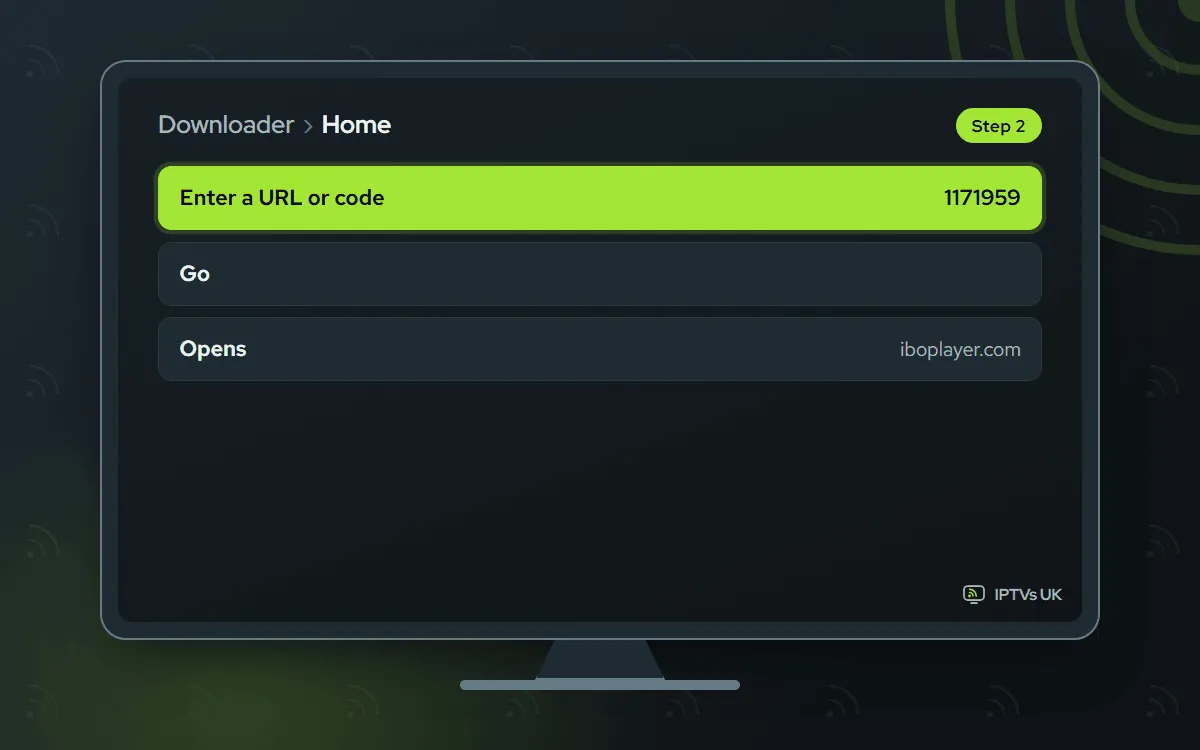
-
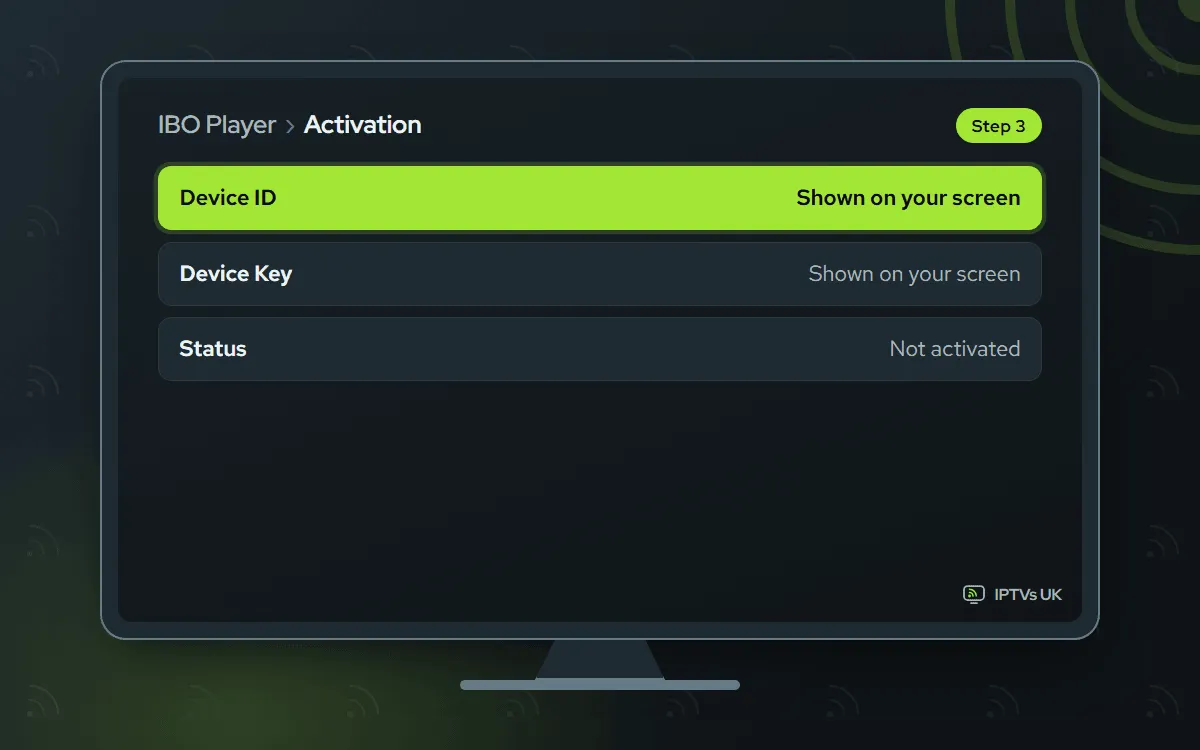
Take a photo of the two codes
Launch IBO Player. Its welcome screen lists a Device ID and a Key. Capture both in one clear photo with your phone.
-
WhatsApp us the photo
Send the photo to us and write IBO Player with it. Matching the codes to your plan takes us a few minutes, then we message back. Past the 7-day free period, a licence is bought from the app's maker, and none of that money comes to us.

-
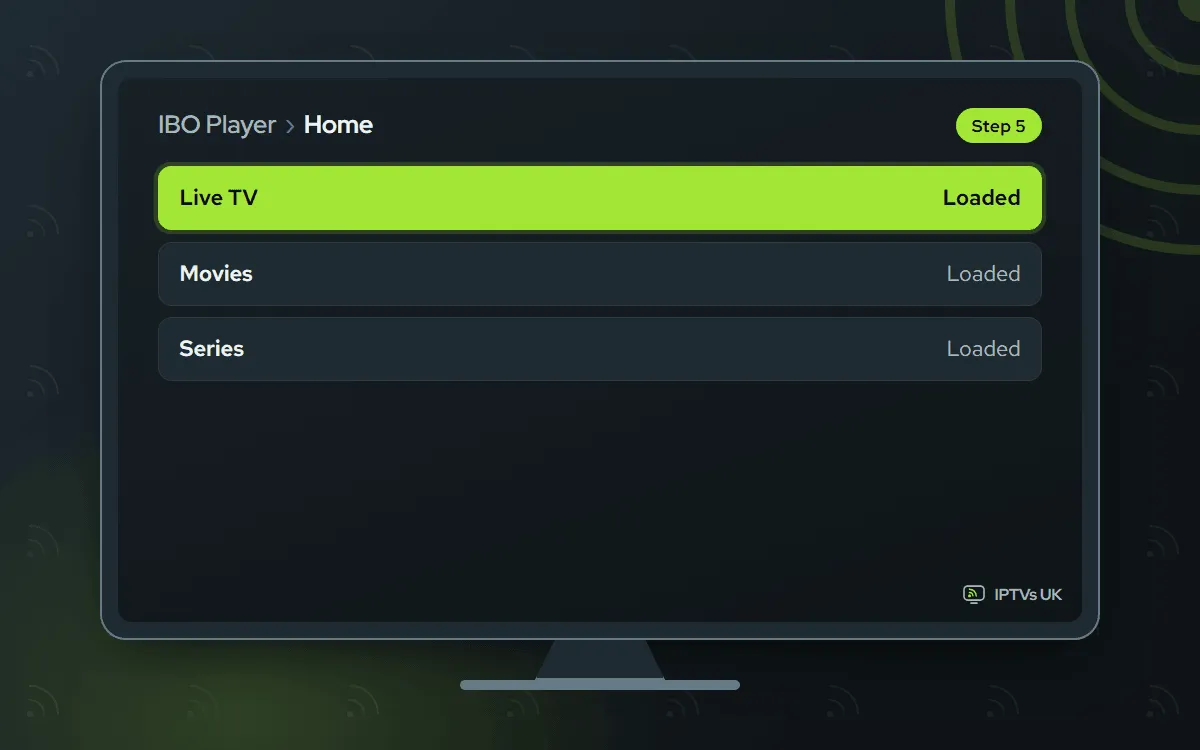
Open IBO Player again
Shut the app fully, then start it once more. Your live channels, films and series are there. Blank screen? Wait a minute and relaunch.
TiviMate Free app, you type the login
You type the Xtream Codes login once. The app is free; Premium is an optional extra sold by its developer
-
Look up TiviMate in Google Play
Search Google Play for TiviMate; on Google TV it normally installs like any other app. If your model does not show it, use Downloader with code
272483after turning on developer mode.
-
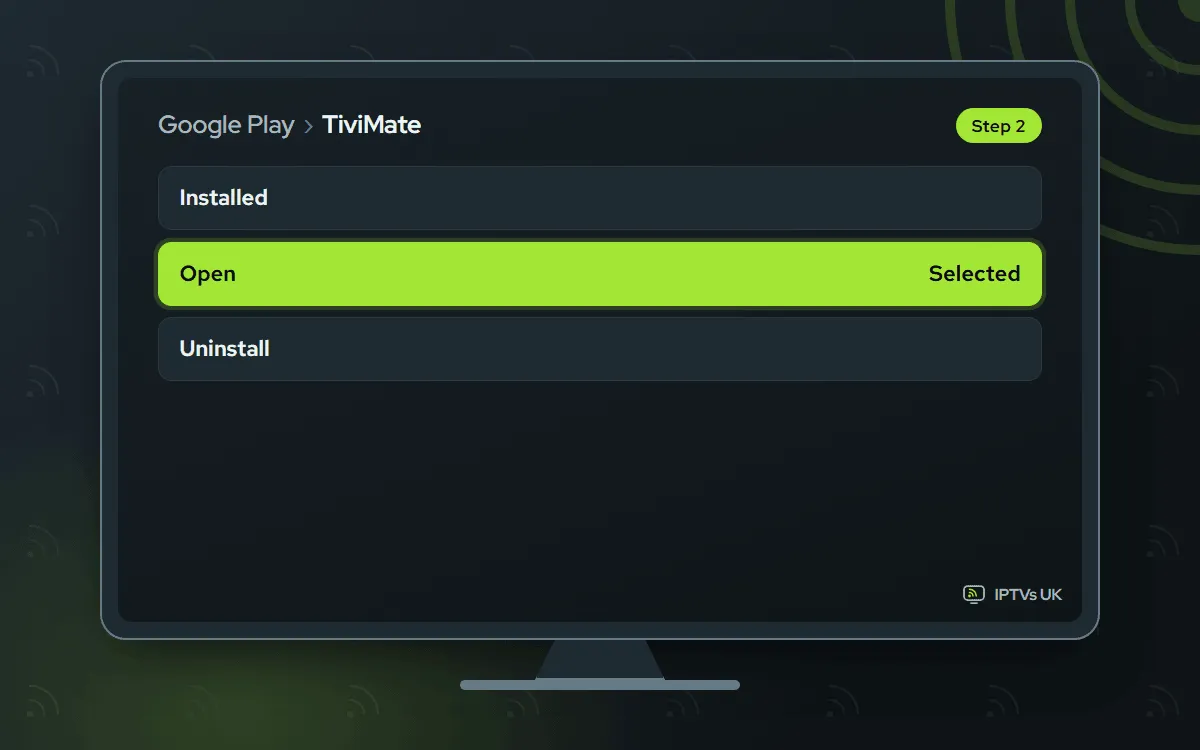
Install, then open
Press Install and wait for Open to appear. If you went through Downloader, confirm the system prompt, choose Done and delete the installer when asked.
-
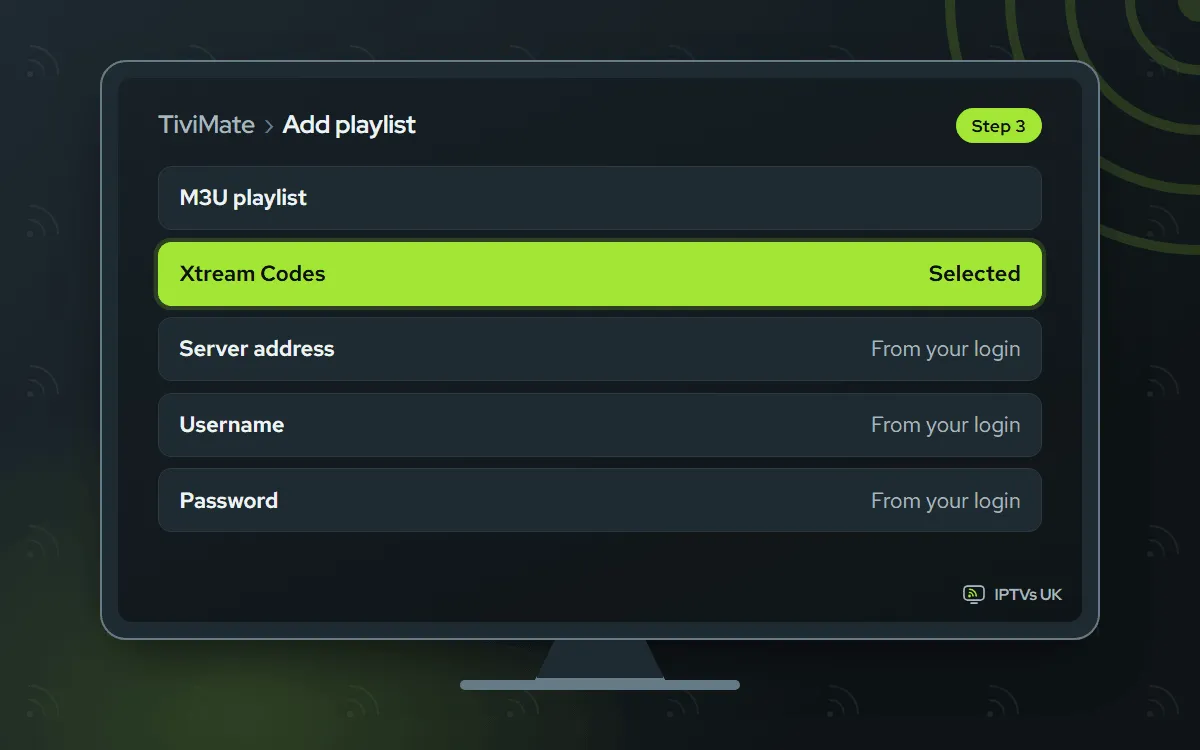
Enter the Xtream Codes login
Go to Add playlist and pick Xtream Codes. Copy in our server URL, username and password, with no extra spaces. If you prefer one link, the M3U playlist option takes the M3U link instead.
-
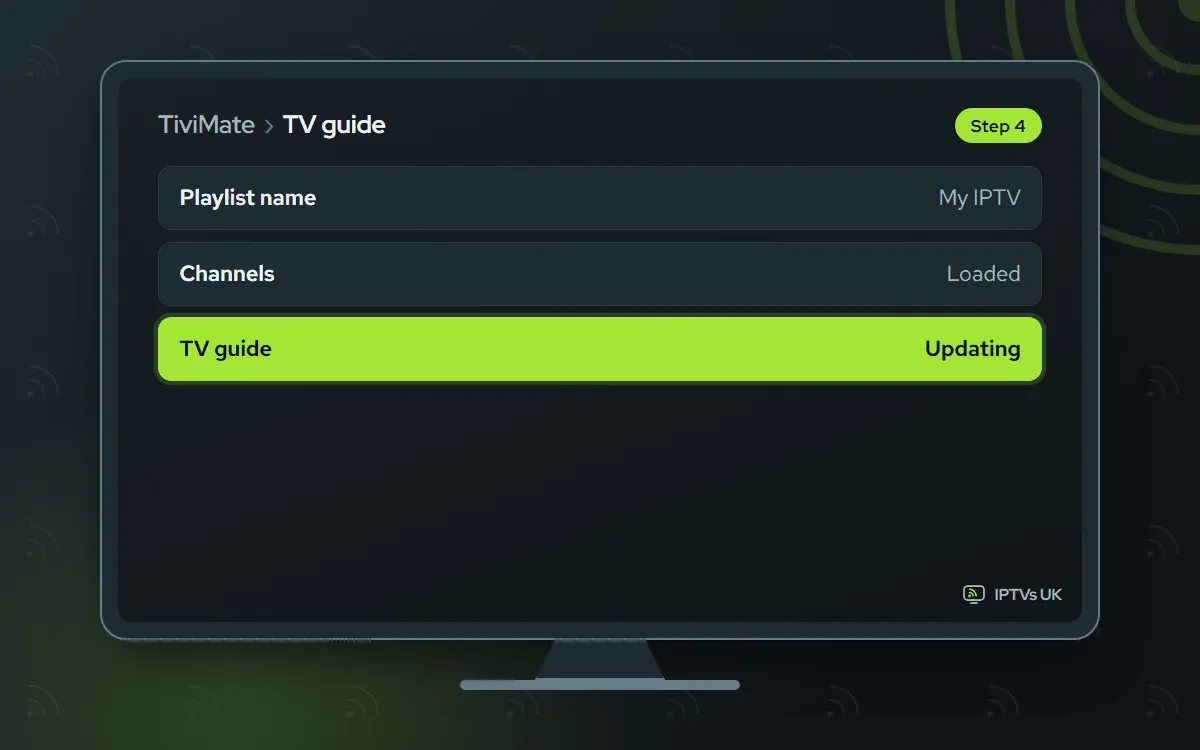
Let the TV guide fill in
Name the playlist and confirm with Done. The channel list shows first and the guide completes over a minute or two.
ELK Player Paid app, we activate it
A photo of its codes, sent to us. 14 days free, then a single fee for each device, paid to its developer
-
Install ELK Player
ELK Player is in Google Play: search, then Install. If it is not listed on your device, type
82854in Downloader.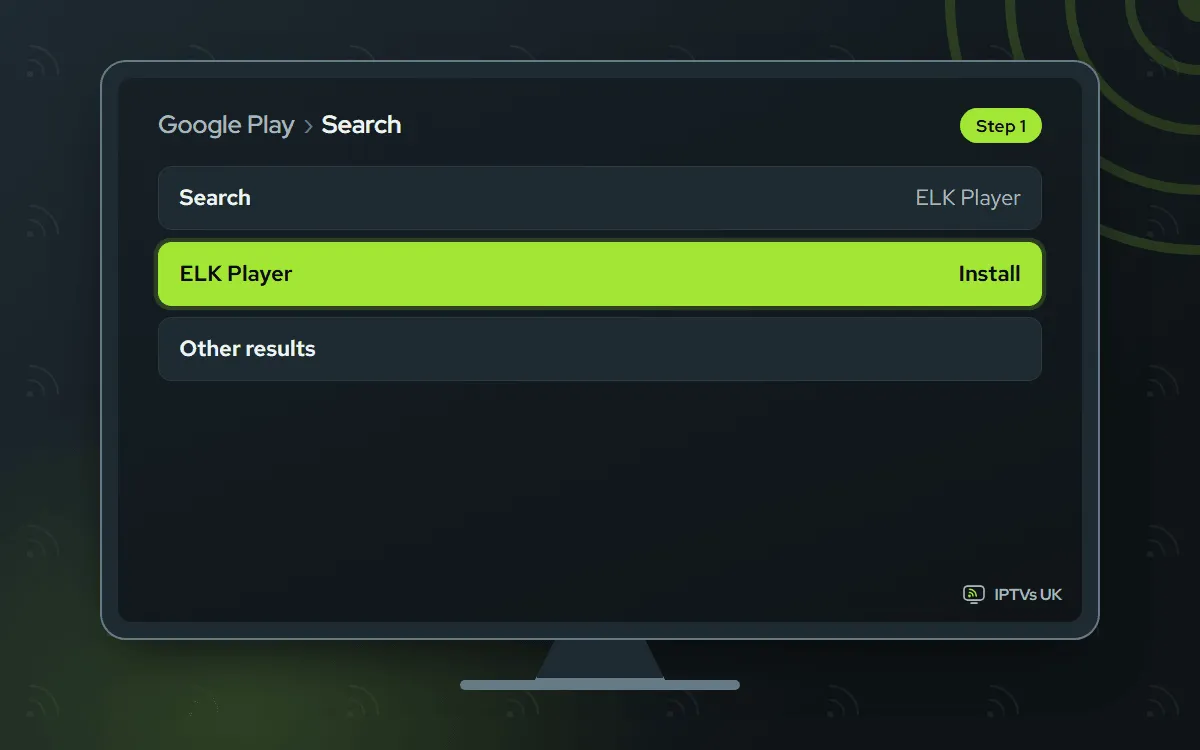
-
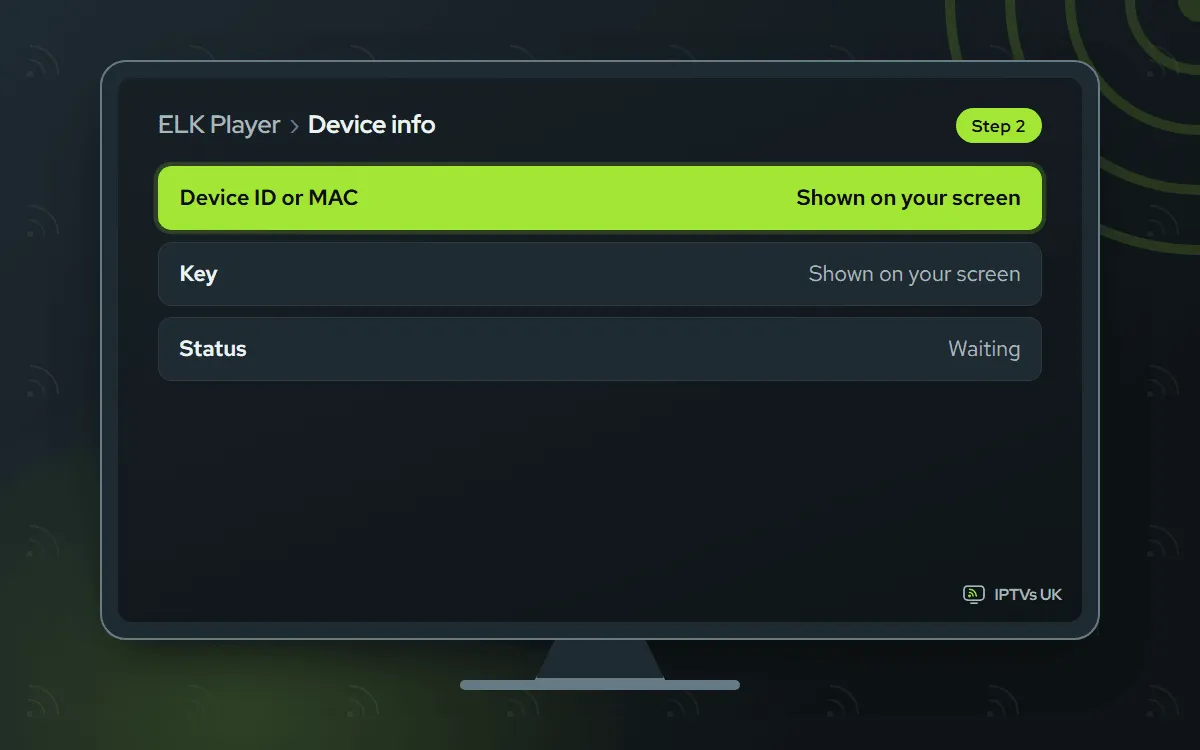
Photograph the opening screen
Start ELK Player. Its first screen shows a Key next to a Device ID or MAC address. Make sure the photo shows every character clearly.
-
Share it with us on WhatsApp
Send the photo and say which app it is from. We activate it and reply when it is ready. Once the 14 free days pass, the developer charges a fee, which goes to them.

-
Start ELK Player once more
Quit the app completely and launch it again. The playlist loads with live TV, films and series.

IPTV Smarters Free app, you type the login
You type the Xtream Codes login once. A free app from its developer
-
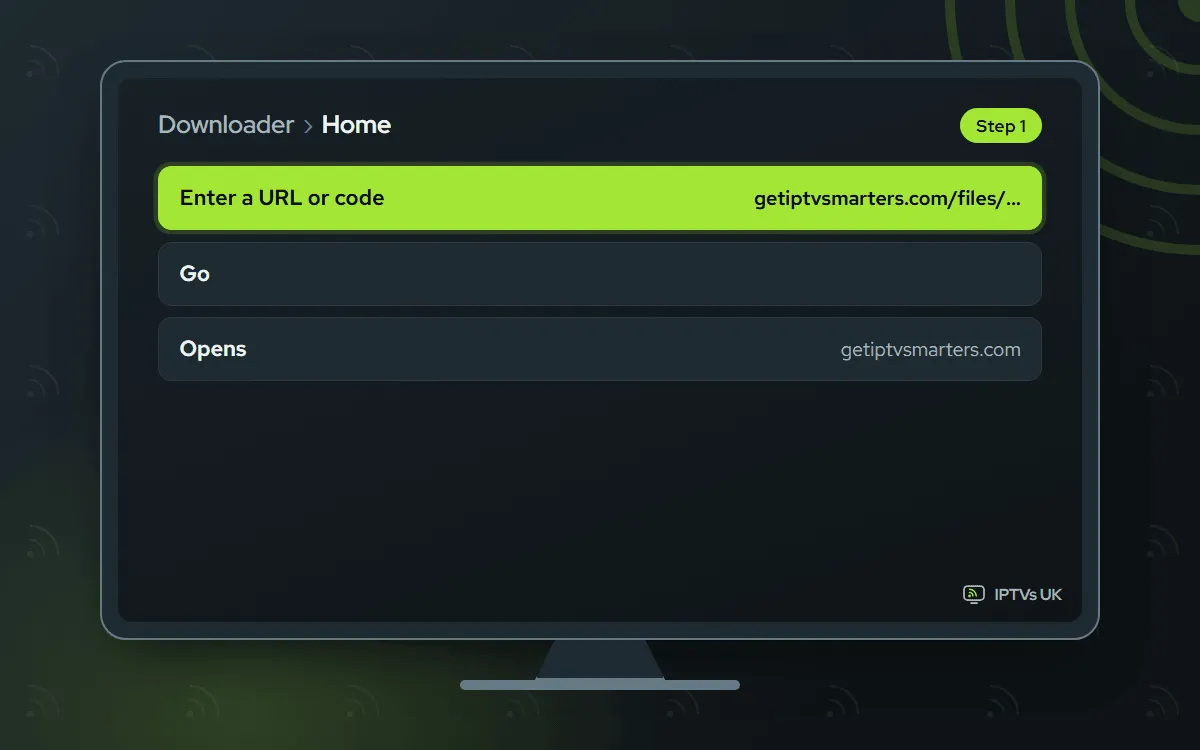
Get IPTV Smarters
Install it from Google Play when it is listed for your model. Otherwise, enter the developer's link getiptvsmarters.com/files/android/iptv-smarters-5.0.apk into Downloader. The file comes from getiptvsmarters.com.
-
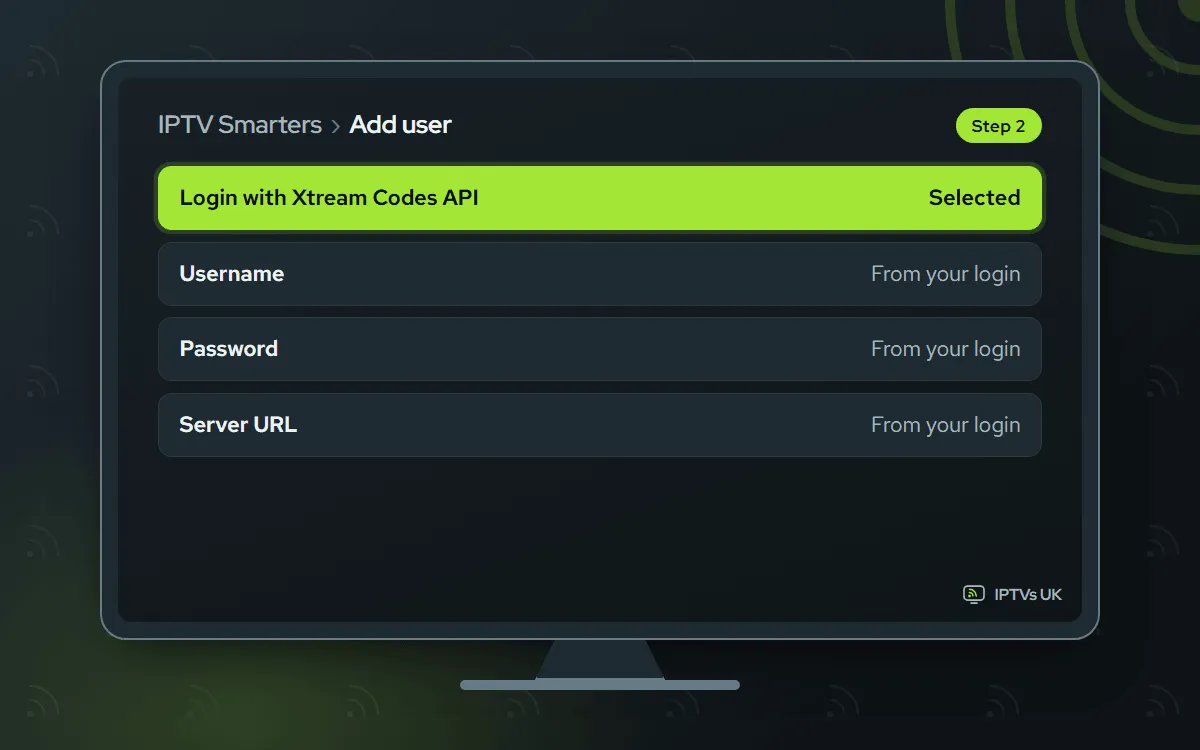
Log in with Xtream Codes API
Choose Login with Xtream Codes API, give the profile any name and enter our username, password and server URL. Press Add user and the lists load.
Which Google TV IPTV app should you choose?
All four apps read the same login, so try one and switch later if you like.
| App | Where it comes from | How you sign in | Cost |
|---|---|---|---|
| IBO Player | Downloader, code 1171959 | Photo of the codes, we activate | 7 days free, then a yearly or lifetime licence bought from its developer |
| TiviMate | Google Play, or Downloader code 272483 | You type Xtream Codes | Free; optional Premium from its developer |
| ELK Player | Google Play, or Downloader code 82854 | Photo of the codes, we activate | 14 days free, then a single fee per device to its developer |
| IPTV Smarters | Google Play if your model lists it, otherwise its developer’s link typed into Downloader | You type Xtream Codes | Free |
If you dislike typing on a TV remote, IBO Player or ELK Player keep it to one photo. If you prefer to stay inside Google Play and pay nothing, TiviMate is the natural start.
Why IBO Player comes first
Most failed setups trace back to a server address keyed in wrongly with the remote, and IBO Player skips that step entirely. You photograph one screen and we do the rest from our side, usually within minutes. It has 7 free days, after which a yearly or lifetime licence is bought from its developer, billed apart from your plan and not refunded by us. If you would rather not pay an app fee at all, TiviMate or IPTV Smarters cost nothing and only ask you to type the login once.
Typed login or photo activation
Two different sign-in styles are at work here. With TiviMate and IPTV Smarters, you enter the Xtream Codes login yourself, three fields in all: server URL, username, password. Copy them from WhatsApp carefully, because they are case-sensitive. With IBO Player and ELK Player, there is nothing to type. The app displays a Device ID with a Key, you photograph them, and we link them to your plan from our side. Nothing needs filling in on the developer’s website.
Install only from the official source
Every code links to one file hosted by the app’s own maker: 1171959 from iboplayer.com, 272483 from files.tivimate.com and 82854 from elkplayer.com. For IPTV Smarters there is no short code that works, so type the full address from the developer’s site. A genuine install never asks for a payment inside Downloader.
Picture and connection on Google TV
Google TV devices handle our 4K, Full HD and HD streams well when the connection is steady. A few habits help:
- Put the device on 5 GHz Wi-Fi, or on a wired connection where your model allows one.
- Choose Full HD or HD on evenings when the home network is busy.
- Compare a change on a few channels before judging it, because sources vary.
- Restart the device now and then if menus start to feel slow.
The TV guide and catch-up
Every subscription bundles a full programme guide plus 7-day catch-up. In apps that support them, the Xtream Codes login switches both on with no extra settings. On the first load the listings trail the channels by a minute or two, so hold off judging them. Listings an hour wrong? Look at the device’s own time zone before changing anything in the player’s guide settings.
Adding a second Google TV
A second device is a short job: install the same player and add the same login. For IBO Player or ELK Player, the second device’s codes need to reach us too, as those apps are activated one device at a time. Simultaneous streams can never exceed the device count on your plan.
Google TV IPTV troubleshooting
Install unknown apps is missing. Developer mode is not on yet. Head back to About under Settings, System and click Android TV OS build 7 times.
The app does not appear in Google Play. Listings vary between models. Use Downloader and the code for that app instead.
TiviMate or IPTV Smarters rejects the login. Check each of the three fields against our message letter by letter, and make sure nothing follows the last character.
IBO Player or ELK Player is empty after activation. Check that our WhatsApp reply confirms it, then quit the app and relaunch it. Still nothing? Resend the photo and we redo it.
The TV guide is blank. A new playlist can take several minutes. Use the player’s guide refresh option, then reopen it.
The picture buffers. Restart the router, move to 5 GHz Wi-Fi, or drop the channel to Full HD or HD.
Related guides
The Android TV guide covers Android TV televisions, the NVIDIA SHIELD and store-less boxes. For an Amazon stick, see the Fire TV Stick guide, and for watching on the go, the Android phone guide. Every other device is listed in the setup hub.
