IPTV on Android TV sets, boxes and NVIDIA SHIELD
Android TV sets, NVIDIA SHIELD and plug-in boxes all run the same apps, so one set of steps covers them, with a detour for boxes that ship without Google Play.
Short answer
On an Android TV set, box or SHIELD, put Downloader on and type 1171959 to install IBO Player, then send us a photo of its Device ID and Key. Prefer to type the login? TiviMate and ELK Player are in Google Play. Most setups take about 5 minutes.
- Works on
- Android TV sets, NVIDIA SHIELD and Android boxes
- Time to set up
- About 5 minutes
- Difficulty
- Easy
- Apps in this guide
- IBO Player, TiviMate, ELK Player, IPTV Smarters
- You need
- The login from our WhatsApp message
No login yet? Compare the plans first. Unsure your connection copes with 4K? Run the IPTV speed test on the same network.
Install a player on Android TV and sign in
Pick a tab. IBO Player heads the list: you photograph one screen, we handle the rest, and no password goes in by remote. TiviMate, ELK Player and IPTV Smarters follow, and Google TV owners have their own Google TV guide.
IBO Player Paid app, we activate it
You send us one photo of its codes. 7 days free, then a yearly or lifetime licence for each device, bought from its developer
-
Add Downloader and give it permission
Install the free Downloader app from your store. Then go to Settings, Apps, Special app access, Install unknown apps and turn Downloader on, so it is allowed to add players.

-
Type code 1171959
Launch Downloader, enter
1171959in the address field and press Go. The genuine installer comes from iboplayer.com; confirm the install when asked.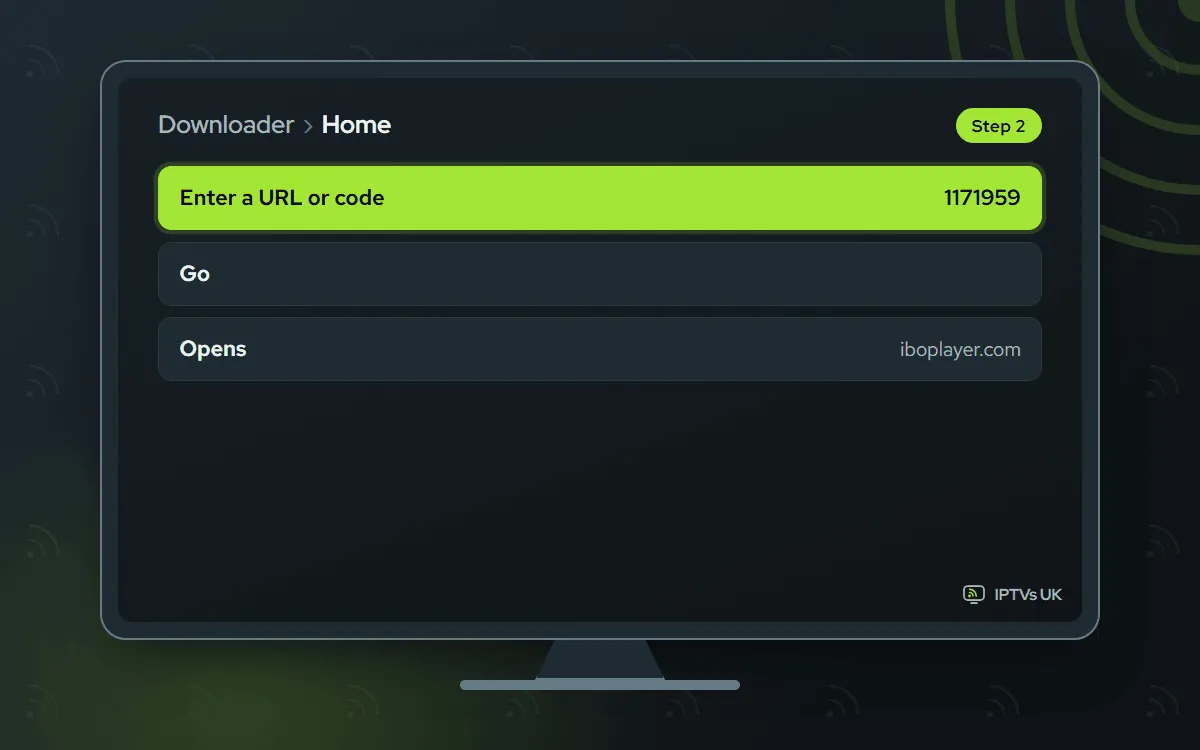
-
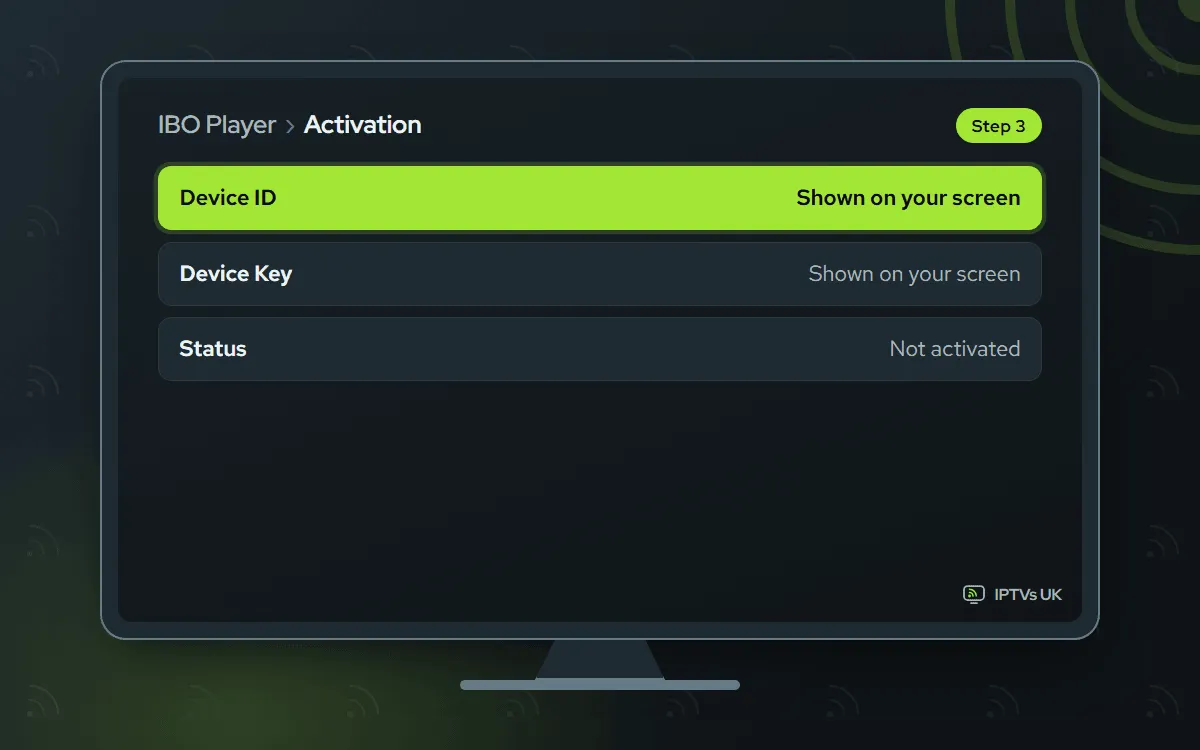
Photograph the Device ID and Key
Start IBO Player. Its welcome screen lists two values, a Device ID and a Key. Take a sharp picture of the TV with your phone, as that photo is what we need.
-
Send the picture on WhatsApp
Message us the picture with a note saying IBO Player. Once we have linked the codes to your plan, we message back, normally in a few minutes. After the 7-day free spell, a licence is bought from the developer.

-
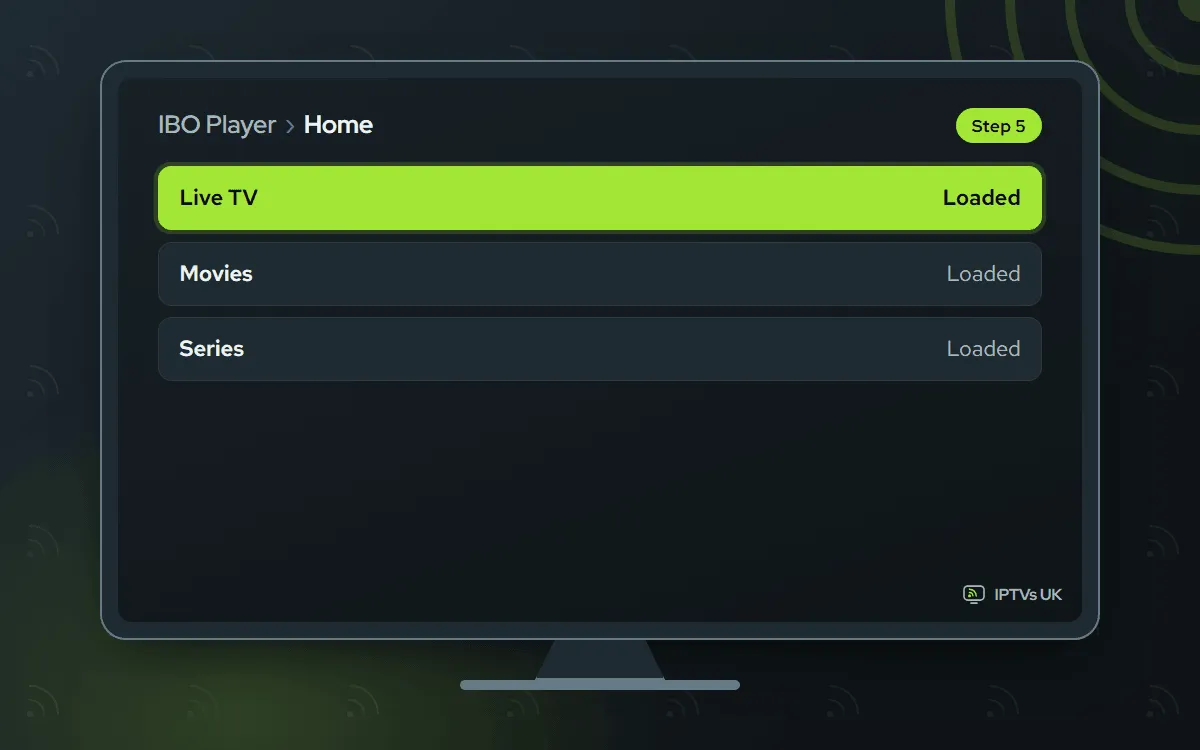
Relaunch IBO Player
Exit the app fully, then launch it afresh so live TV, films and series can load. Still a blank screen? Wait sixty seconds and relaunch it a second time.
TiviMate Free app, you type the login
You enter the Xtream Codes login yourself. The app is free; Premium is an optional extra sold by its developer
-
Search Google Play for TiviMate
Most Android TV sets and boxes list TiviMate in Google Play, so a search finds it. No store on your box? Install Downloader and enter
272483instead, or the address tivimate.com/download.
-
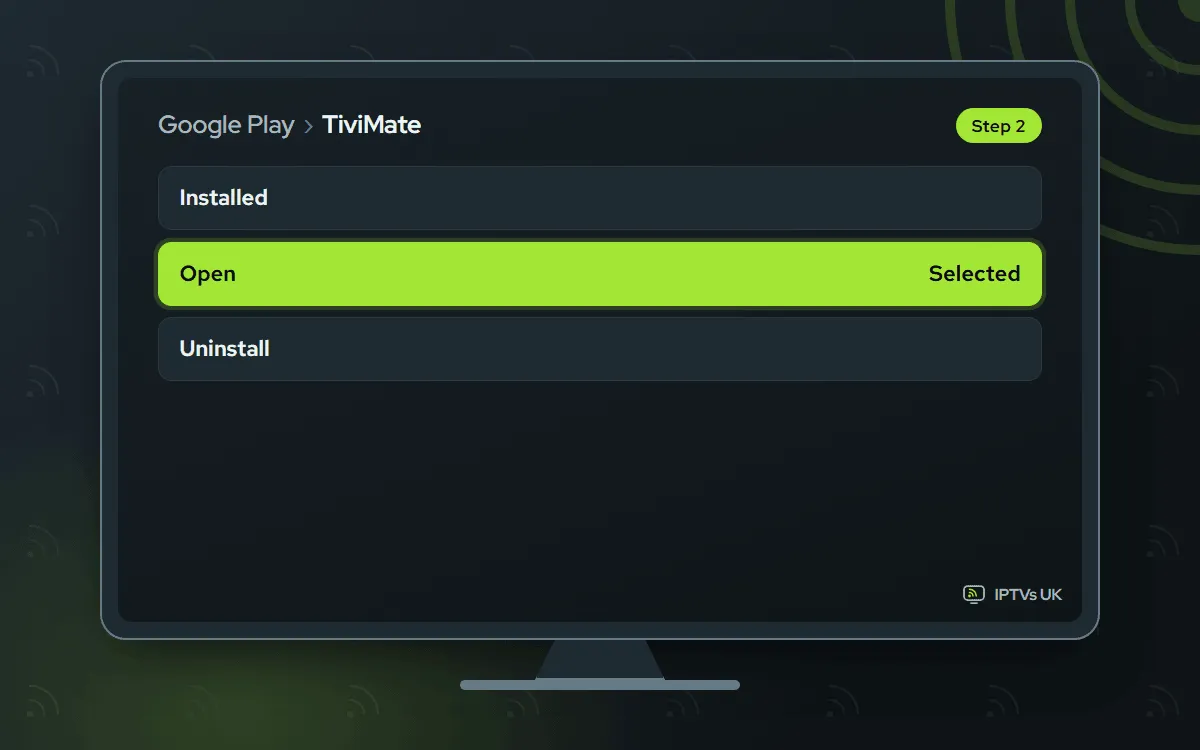
Install it and open it
From Google Play, press Install and then Open. Through Downloader, accept the system install prompt, pick Done and let Downloader delete the leftover installer.
-
Add an Xtream Codes playlist
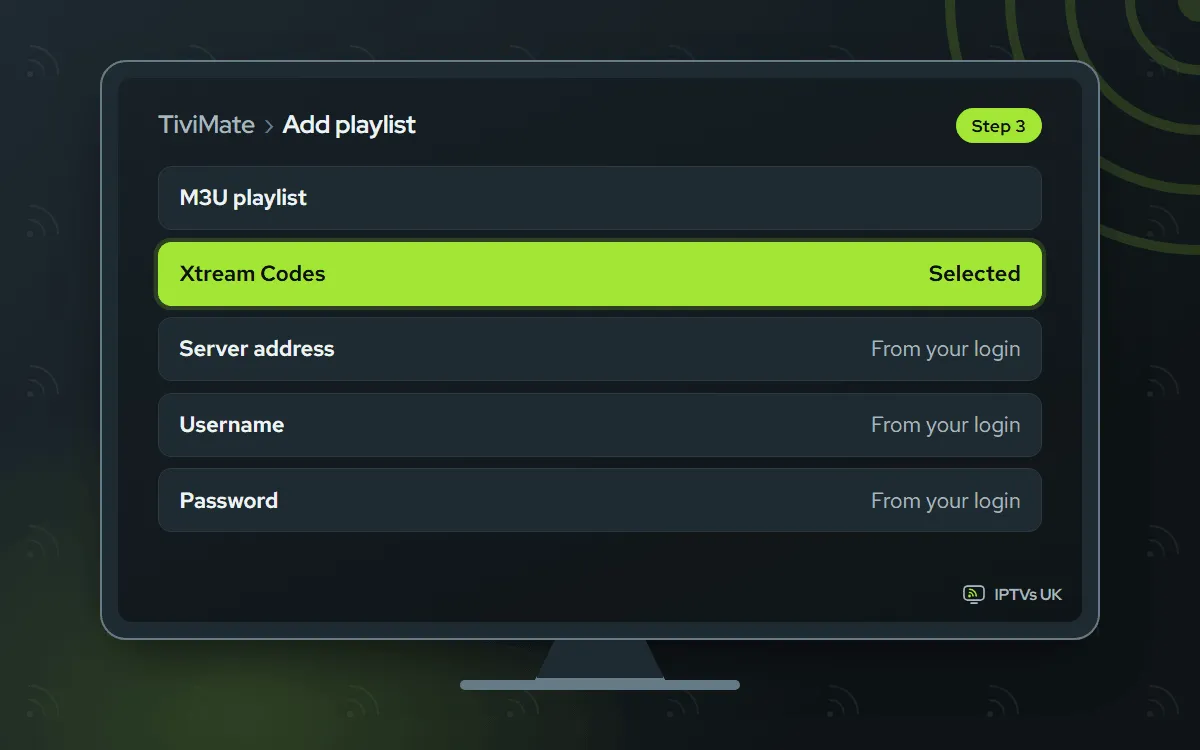
Select Add playlist, pick Xtream Codes, and copy the three fields from our WhatsApp message exactly: server URL, username, password. Want a single link instead? Pick M3U playlist and use the M3U link.
-
Give the guide a minute
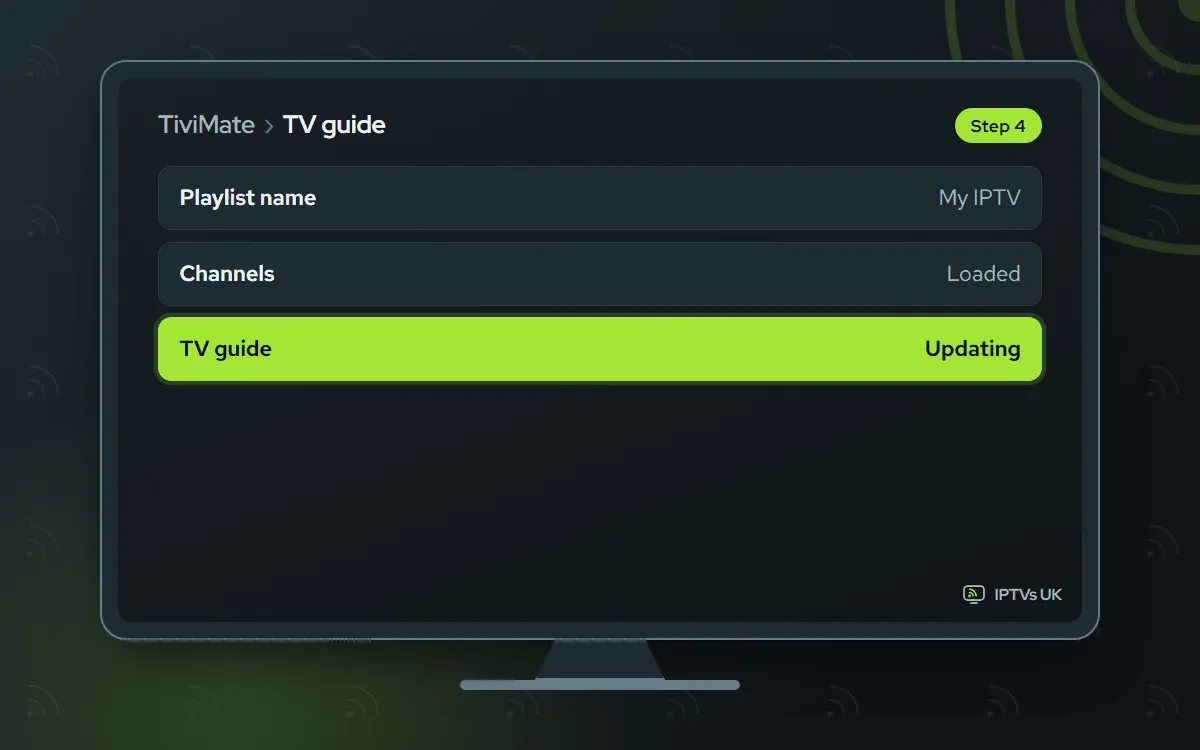
Type a name for the playlist and press Done. Channels appear first and the TV guide follows within a minute or two. If it stays blank, the troubleshooting section below has the fix.
ELK Player Paid app, we activate it
You send us a photo of its codes. 14 days free, then a single fee for each device, paid to its developer
-
Get ELK Player from Google Play
Search Google Play for ELK Player and install it. On a box without the store, enter
82854in Downloader instead.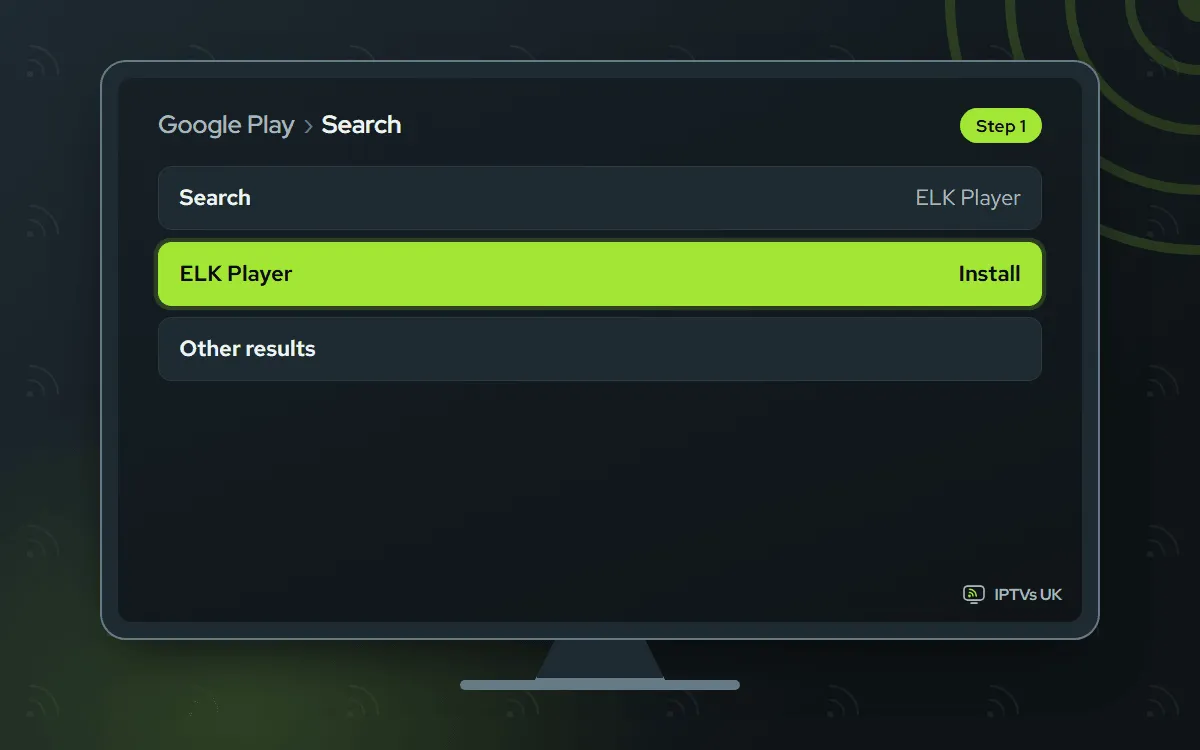
-
Photograph its codes
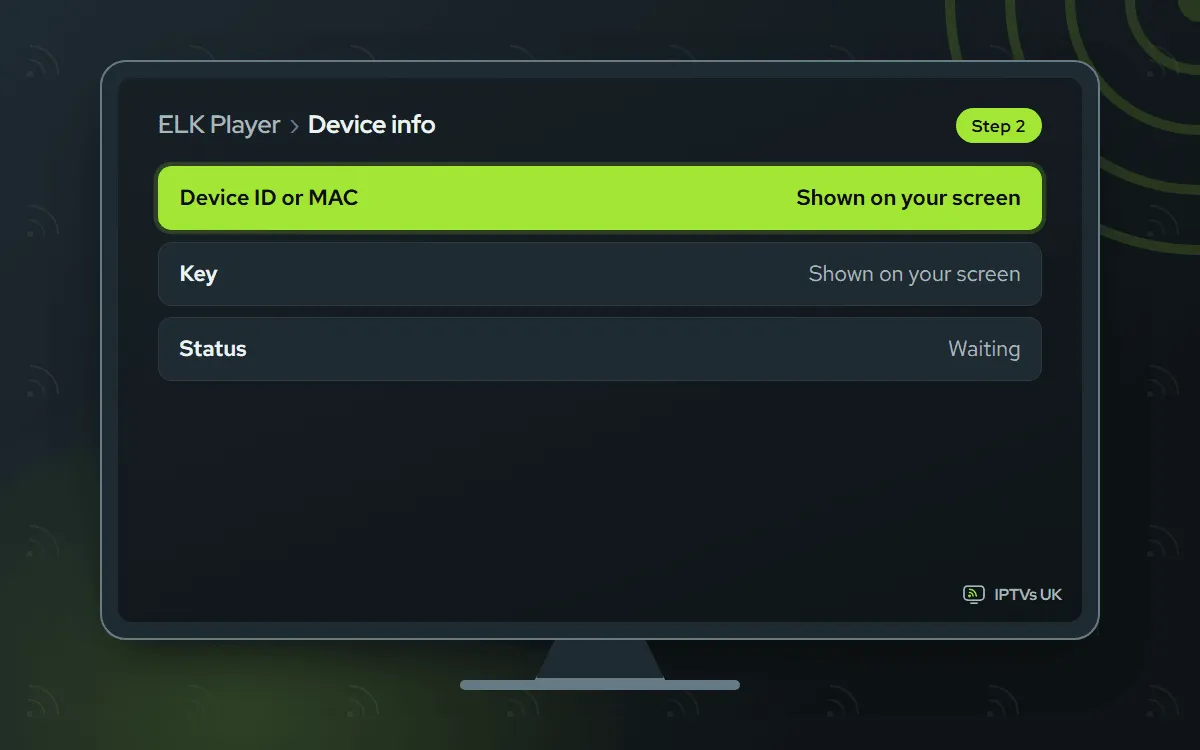
Open ELK Player. It displays a Device ID or MAC address together with a Key. Take a photo in which every character can be read.
-
Message us the photo
Send the photo over WhatsApp, naming ELK Player. We register it and confirm when it is live. The 14 free days are followed by a fee that goes to the developer.

-
Restart ELK Player
Shut ELK Player down completely and reopen it; live TV, films and series then fill in.

IPTV Smarters Free app, you type the login
You enter the Xtream Codes login yourself. A free app from its developer
-
Install IPTV Smarters
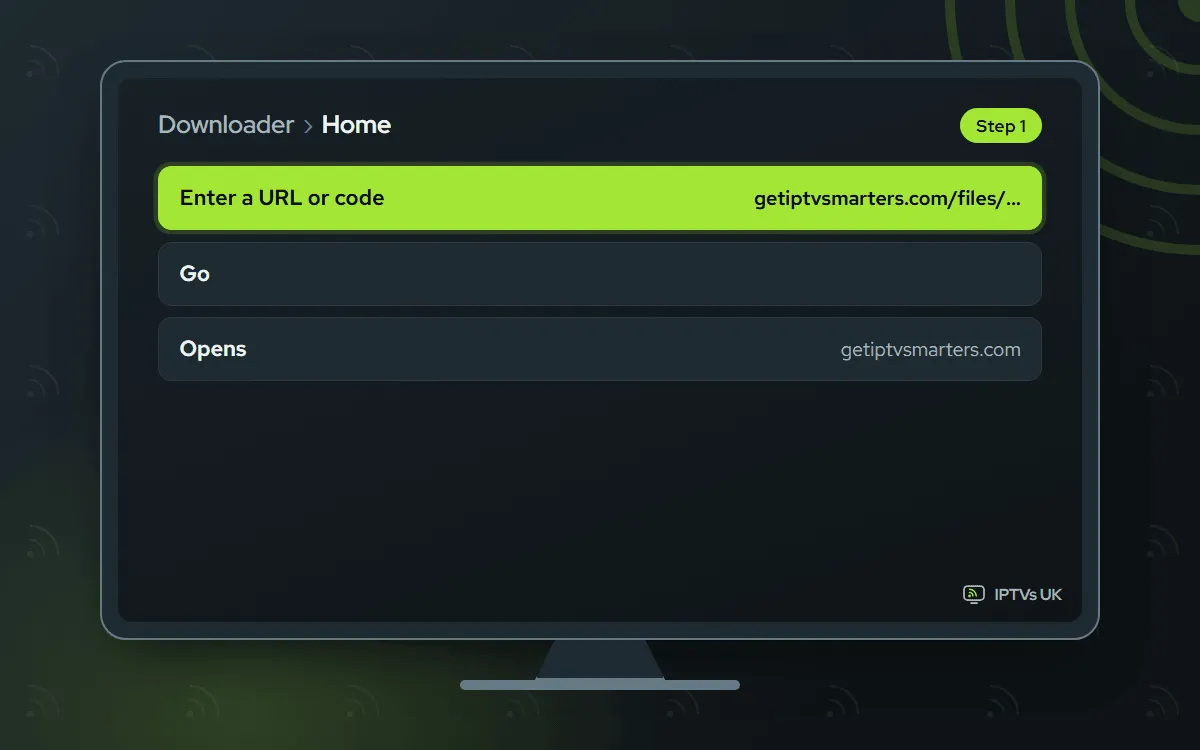
If Google Play lists it for your device, install it there. If not, open Downloader and type the developer's link getiptvsmarters.com/files/android/iptv-smarters-5.0.apk, which comes from getiptvsmarters.com.
-
Sign in with Xtream Codes
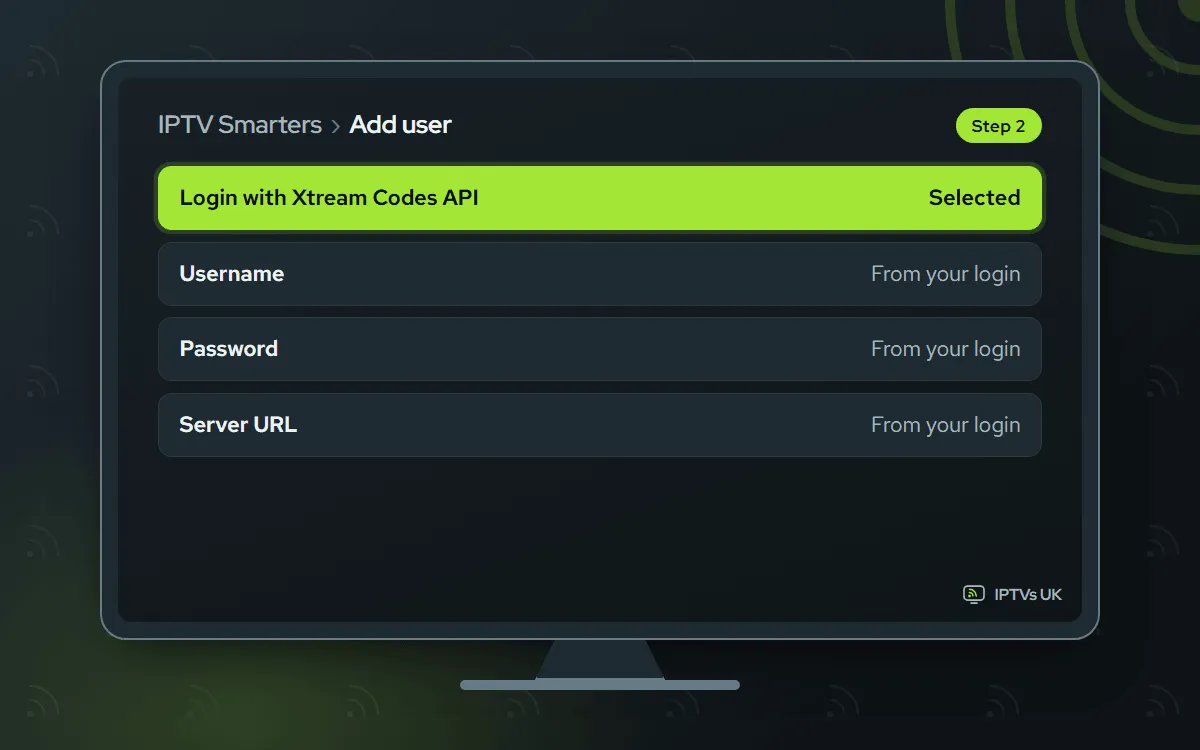
Select Login with Xtream Codes API. Pick a profile name you like, fill in the three login fields from WhatsApp, then press Add user. The channel list loads after a short wait.
What to have ready
Setting up IPTV on Android TV is a one-sitting job when these are in place:
- The TV, box or SHIELD powered up and online.
- A steady connection. 4K wants 25 Mbps or more. A wired link or 5 GHz Wi-Fi matters more here than any app setting.
- Our WhatsApp message: it holds the three login fields, with an M3U link as a backup. Not ordered yet? See the plans and prices.
- About 10 minutes, your phone and the remote.
You set each device up once. From then on, you open the app and watch.
Which app suits Android TV best?
All four players take the same login, so the choice is about how you like to sign in and what you want to pay.
- IBO Player is the hands-off route: you send a single picture and the activation happens at our end. Its developer offers 7 days free, after which you buy a yearly or lifetime licence from them.
- TiviMate fits viewers who want a classic guide grid and are happy to key the login in one time. It costs nothing; its developer also sells an optional Premium upgrade.
- ELK Player works like IBO Player, with a different look and a 14-day free period before a single per-device fee to its developer.
- IPTV Smarters is free and plain, with a simple sign-in screen.
Not sure? Begin with IBO Player. Adding a second app later costs you nothing but a few minutes, because the same login works everywhere.
Photo activation or a typed login?
The four apps split into two camps, and knowing which camp yours is in saves confusion later.
IBO Player and ELK Player are activated from our side. Each opens on a screen of codes, and your photo of it is all we need to attach the app to your plan. You never enter a server address, and there is nothing to fill in on the developer’s website.
TiviMate and IPTV Smarters work the other way round. You type the Xtream Codes login yourself, once, and the app remembers it. To avoid typos, keep our WhatsApp message open on your phone and compare each field on the TV as you go.
Sets and boxes that include Google Play
Many televisions and boxes run Android TV with Google Play built in, from Sony and Philips sets to boxes such as the Xiaomi Mi Box. On these, TiviMate, ELK Player and often IPTV Smarters install straight from the store: search, install, open.
IBO Player, and any app your store does not list, goes on through Downloader. Allow Downloader under Settings, Apps, Special app access, Install unknown apps. Other sets hide it in Device Preferences (inside Settings): open Security and restrictions, then Unknown sources. Turn it on for Downloader only, and leave it off for anything else.
While you are in the settings, check the network menu too. For 4K, Ethernet or Wi-Fi on the 5 GHz band beats any tweak you make inside the app.
Google TV devices
Google TV runs Android underneath, so the same apps and codes work on it. The one extra step is that Google TV keeps the install switch hidden until developer mode is on. Our IPTV on Google TV guide walks through that switch and the rest of the setup on a Google TV Streamer or a Chromecast with Google TV.
NVIDIA SHIELD
The SHIELD is comfortably fast enough for 4K IPTV, and two settings help it shine. Open its display and sound menu and enable content frame rate matching, so camera pans in sport and films look smooth instead of juddery. Then plug in the Ethernet port if you can, because a steady wired link beats fast Wi-Fi for 4K. Apps install from Google Play or through Downloader exactly as on any other Android TV.
Android boxes without a store
Lots of unbranded boxes ship without Google Play. They can still run our service:
- Get Downloader from the app store that came with the box, the one its maker supplies.
- Allow it under Install unknown apps when the box asks.
- Type the code for your player: 1171959 for IBO Player, 272483 for TiviMate, 82854 for ELK Player, or the full link getiptvsmarters.com/files/android/iptv-smarters-5.0.apk for IPTV Smarters.
Every code fetches the file straight from the app’s maker, not a copy hosted elsewhere. Low-memory boxes also run better with a restart once a week.
Getting the best picture
We offer 4K, Full HD and HD, and the right choice depends on your connection rather than your television. A 4K set on a shaky Wi-Fi link will look worse in 4K than in Full HD, because the stream keeps pausing to catch up.
- Allow 25 Mbps or more, and a steady line, before choosing the 4K version of a channel.
- On an evening when the home network is busy, step down to Full HD or HD.
- Judge any change on two or three channels, since the source quality differs from one to the next.
- Use the frame rate matching option in the display settings where your model has one.
Android TV IPTV troubleshooting
The app is not in Google Play. Store listings vary by model. Use Downloader and the code for that app instead, after allowing Downloader to install apps.
Channels will not load in TiviMate or IPTV Smarters. Go through the three login fields one character at a time, checking them against our message. Capital letters count, and one stray trailing space is enough to break them.
The TV guide stays empty. A fresh playlist can need a few minutes for the guide. Wait, use the guide refresh in the player’s settings, then relaunch it.
IBO Player or ELK Player shows nothing. Make sure our WhatsApp reply has confirmed the activation, then quit the app fully and reopen it. If it is still empty, resend the photo of the codes and we activate it again.
The picture buffers. Move to Ethernet or 5 GHz Wi-Fi, restart the router, or drop that channel to Full HD or HD, which use less bandwidth than 4K.
The box feels slow. Shut down apps running in the background, then restart the box. On low-memory boxes, a weekly restart keeps menus quick.
Adding a second Android TV
Setting up another set or box is quicker the second time. Install the player you chose first and add your existing login. IBO Player and ELK Player are activated device by device, so send us the new Device ID. Your plan’s device number sets the ceiling on simultaneous streams; to stream on more at a time, choose a bigger plan on the IPTV subscription prices page.
More setup guides
The Fire TV Stick guide covers Amazon’s sticks with their Downloader codes, and the Formuler guide covers boxes with MyTVOnline 3 built in. Every other device is in the setup hub.
