IPTV on a Formuler box with MyTVOnline 3
Formuler boxes are made with IPTV in mind, so the player is already there when you switch on. Pick one of three routes below and sign in once.
Short answer
A Formuler box already has MyTVOnline 3 on it: add a portal, choose Xtream Codes API and enter the details we sent you on WhatsApp. TiviMate from Google Play accepts the same details, or you can give us the MAC address and we register a portal for the box. Each route takes about 5 minutes.
- Works on
- Formuler Z series and S series
- Setup time
- About 5 minutes
- Difficulty
- Easy
- Apps in this guide
- MyTVOnline 3, TiviMate and the MAC portal
- You need
- The login we send on WhatsApp
No login yet? Compare the plans first. Unsure your connection copes with 4K? Run the IPTV speed test on the same network.
Install a player and sign in
MyTVOnline 3 comes first because it is already on the box. TiviMate takes the same typed login, and the MAC portal is activated by us.
MyTVOnline 3 Built in, you sign in
You type the Xtream Codes login yourself. Preinstalled by Formuler; no download
-
Start MyTVOnline 3
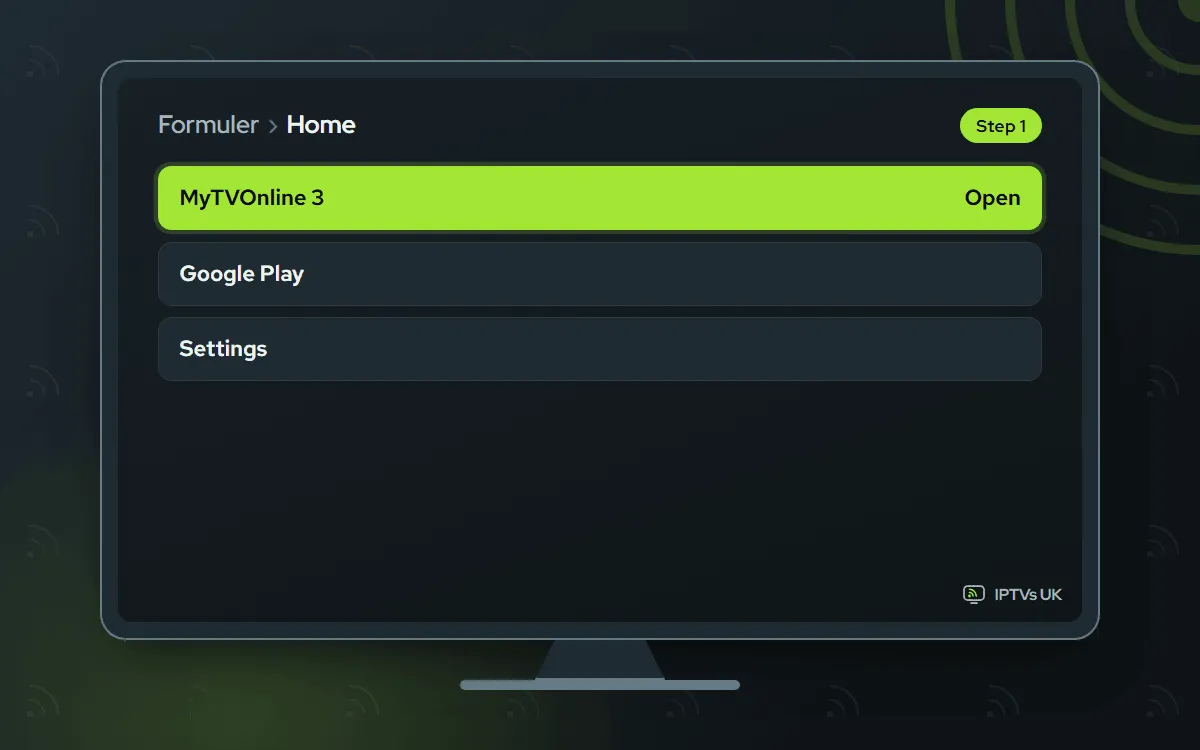
Find MyTVOnline 3 on the home screen and open it. A brand-new box shows an empty portal list, and that is normal at this stage.
-
Create a portal
Open Settings, then Portal Settings, then Add Portal. Type a name you will recognise later, such as the name of your plan.

-
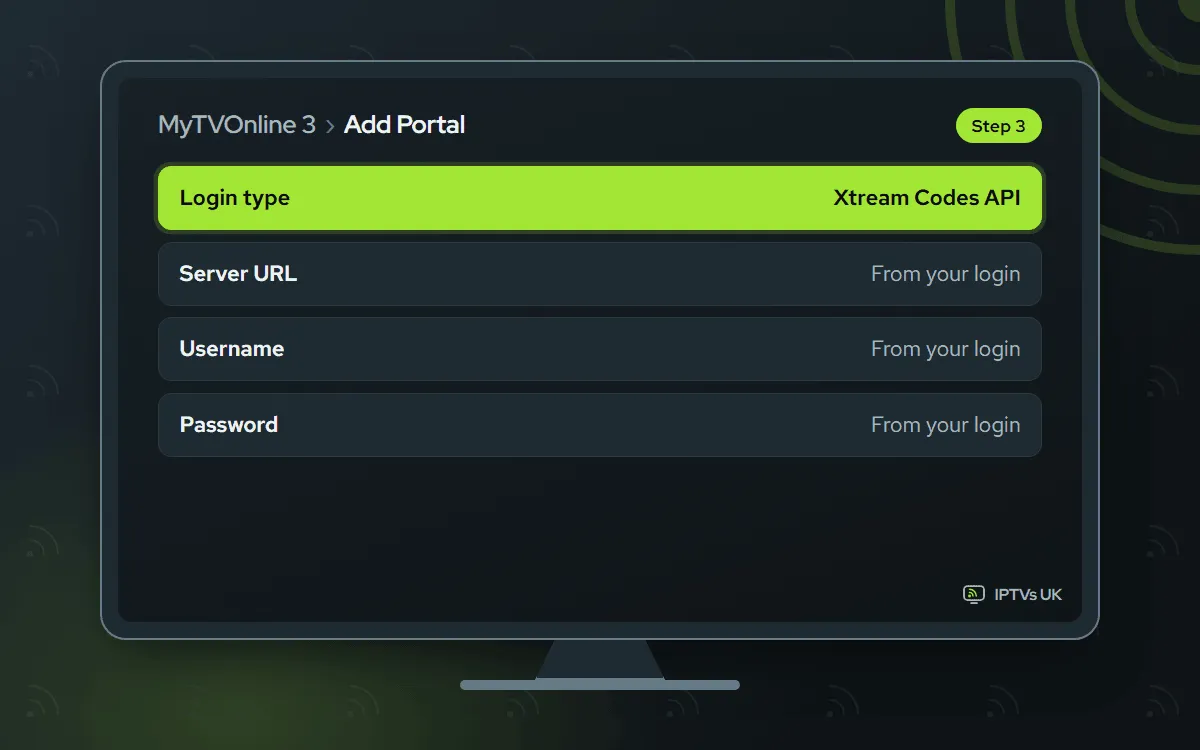
Pick Xtream Codes API
Under login type, pick Xtream Codes API. Then copy each login detail from our WhatsApp message (URL of the server, username, password) precisely, with no stray spaces.
-
Save it and connect
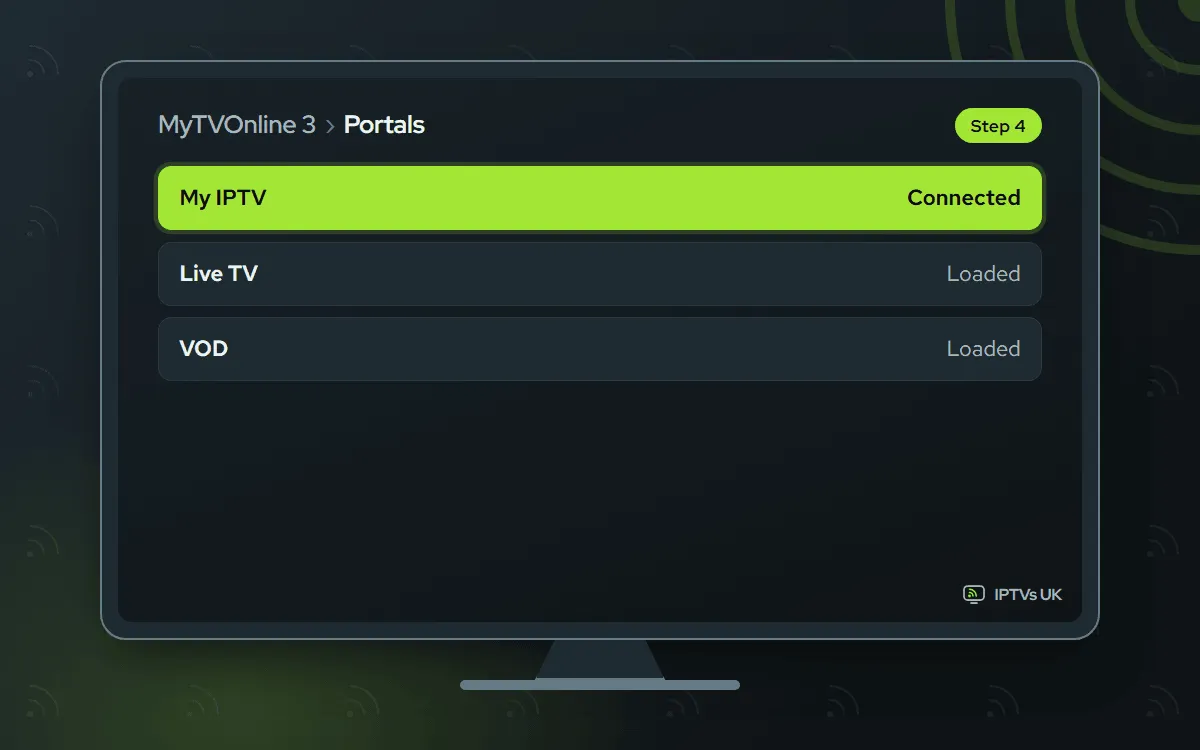
Save the portal and select it. Channel groups, films and series come in first, and the TV guide fills up over the next minute or two.
TiviMate Free app, you sign in
You type the Xtream Codes login yourself. Free to use; an optional Premium upgrade is sold by its developer
-
Get TiviMate from Google Play
Because a Formuler runs Android, you can search Google Play for TiviMate and install it. Not listed on your model? Use Downloader with the verified code
272483, which points to files.tivimate.com (or type tivimate.com/download).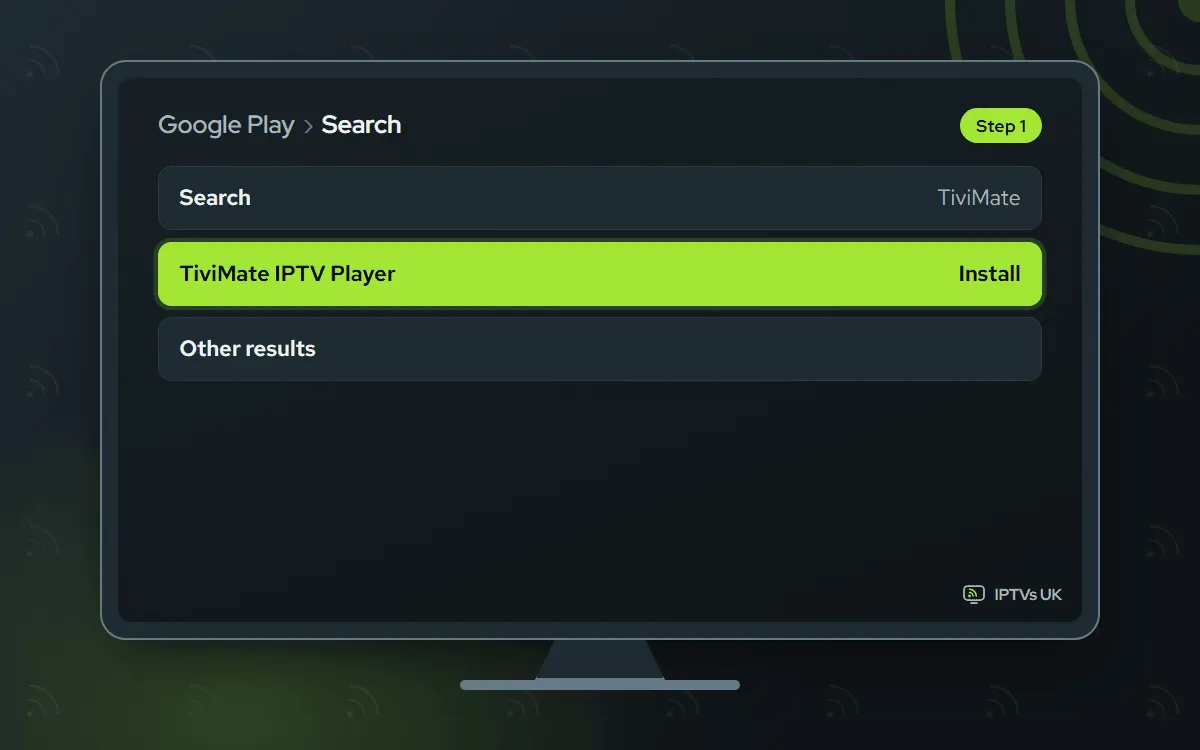
-
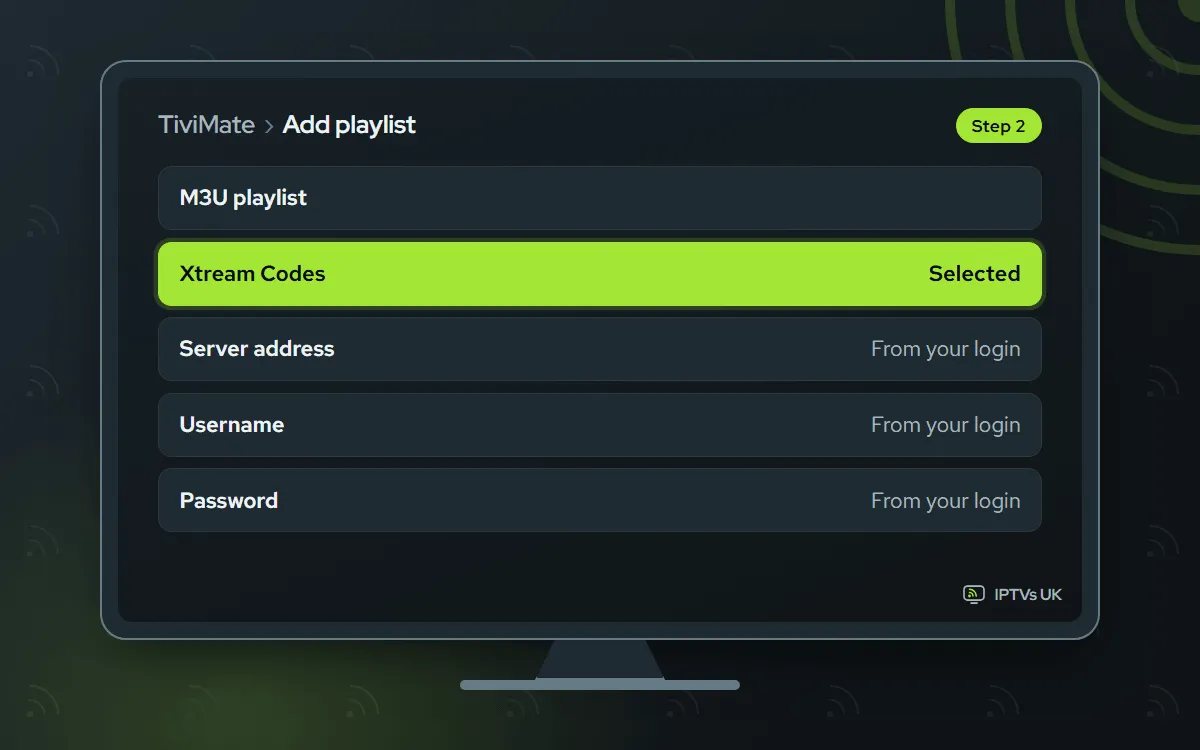
Add an Xtream Codes playlist
In TiviMate, select Add playlist, then Xtream Codes. Key in the three login details we sent, select Next and give the playlist a name.
-
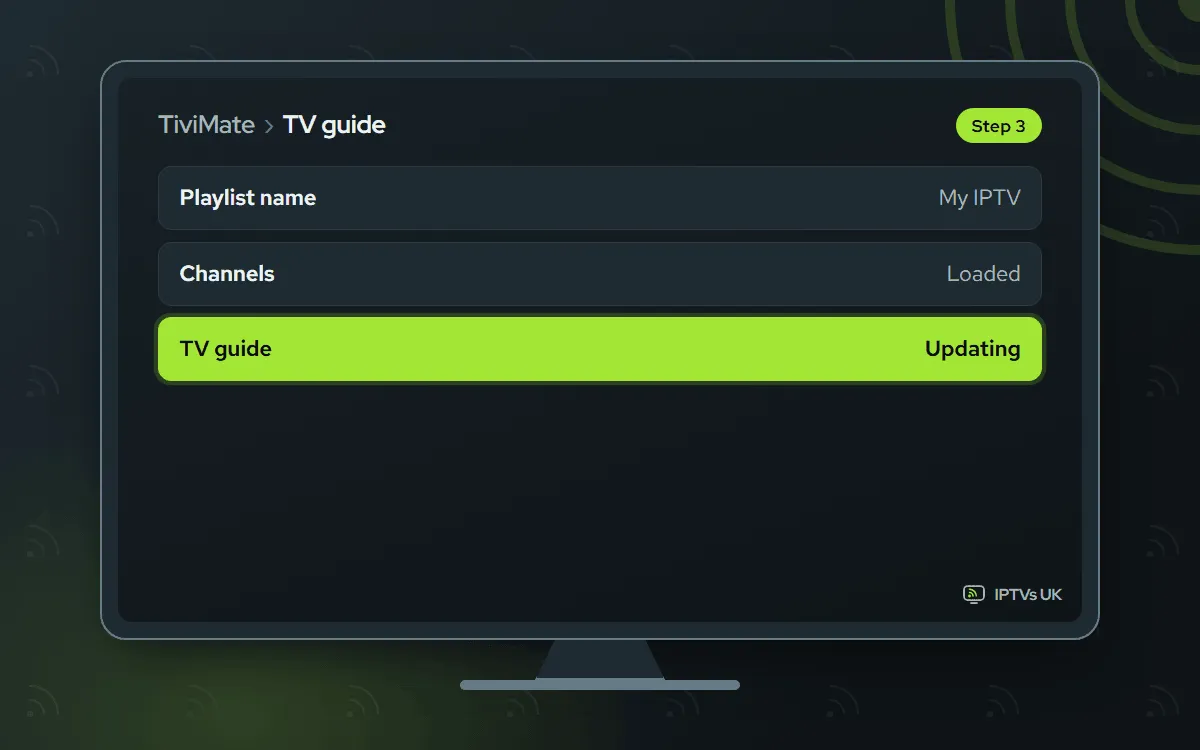
Wait for the guide, then watch
Select Done. Allow roughly a minute for the channels and guide to appear before you start watching. Everything plays in the free version.
MAC portal Free, we activate it
You send us the MAC address and we register the box. Works from the box's MAC address, with no extra app
-
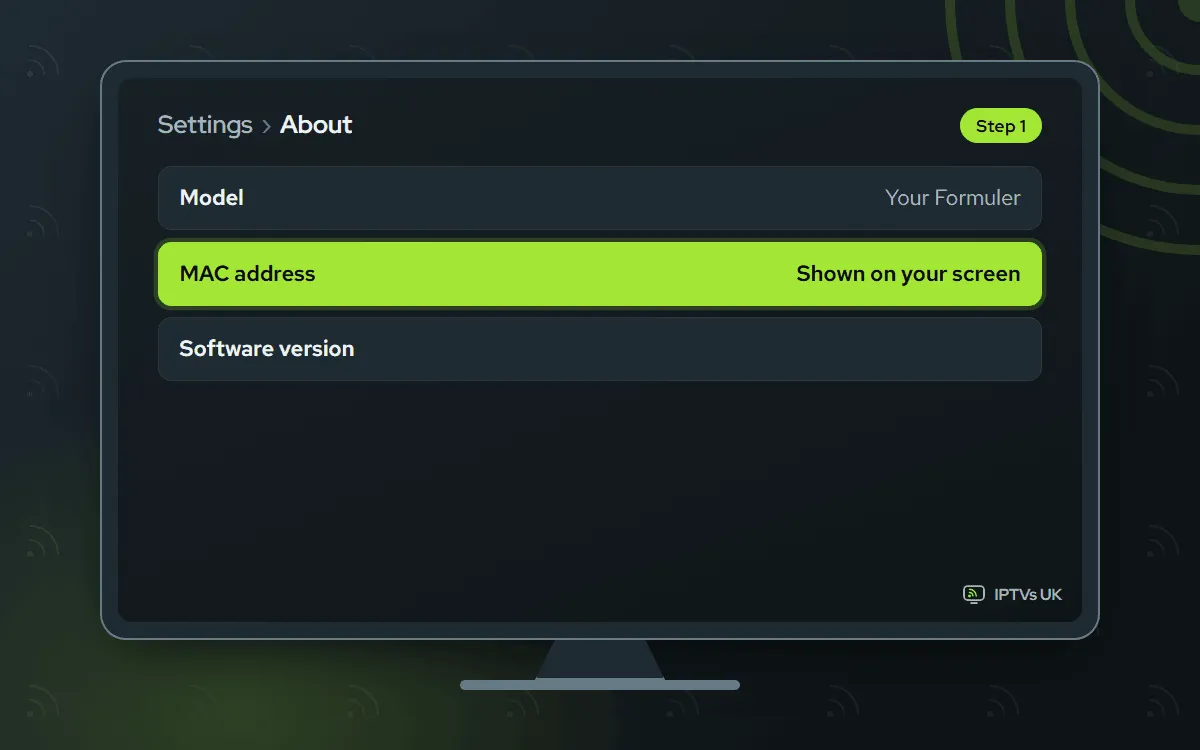
Look up the MAC address
Go to Settings, then About, and note the MAC address. The sticker under the box shows it too. A photo keeps every character readable.
-
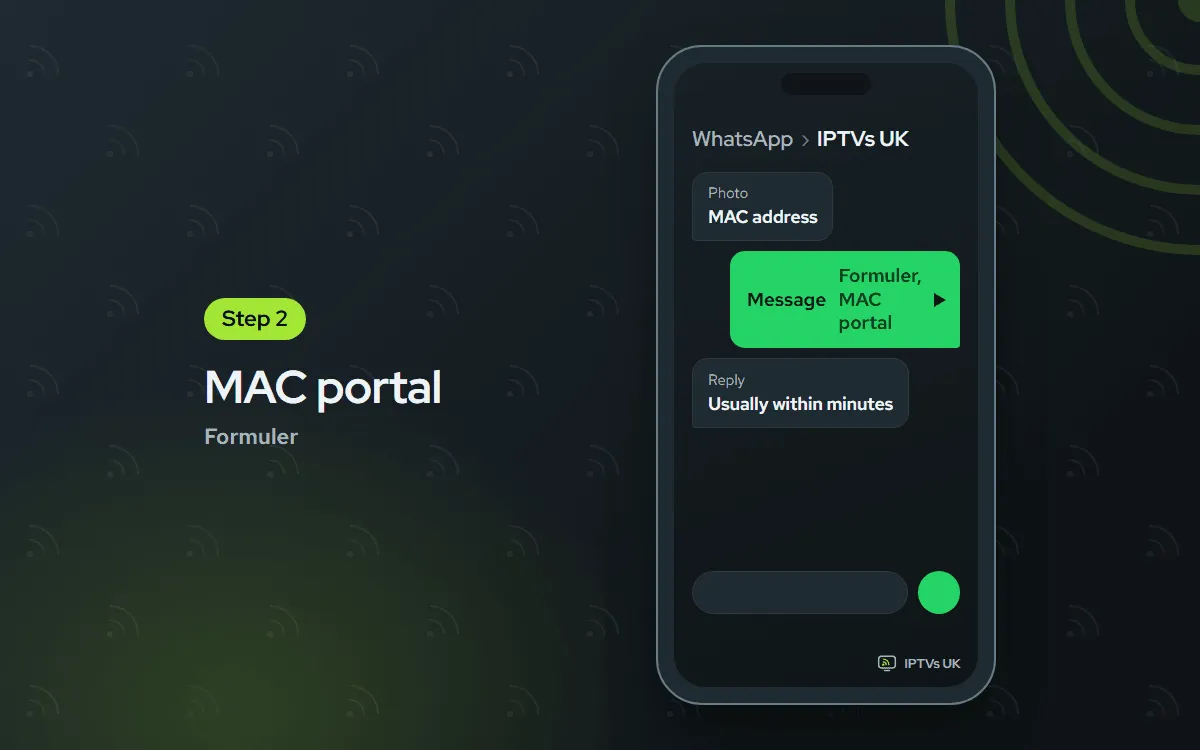
Send it to us on WhatsApp
Message us the MAC address and mention that it belongs to a Formuler. Once it is on your plan, our reply brings the portal details, normally within minutes.
-
Add the portal we send
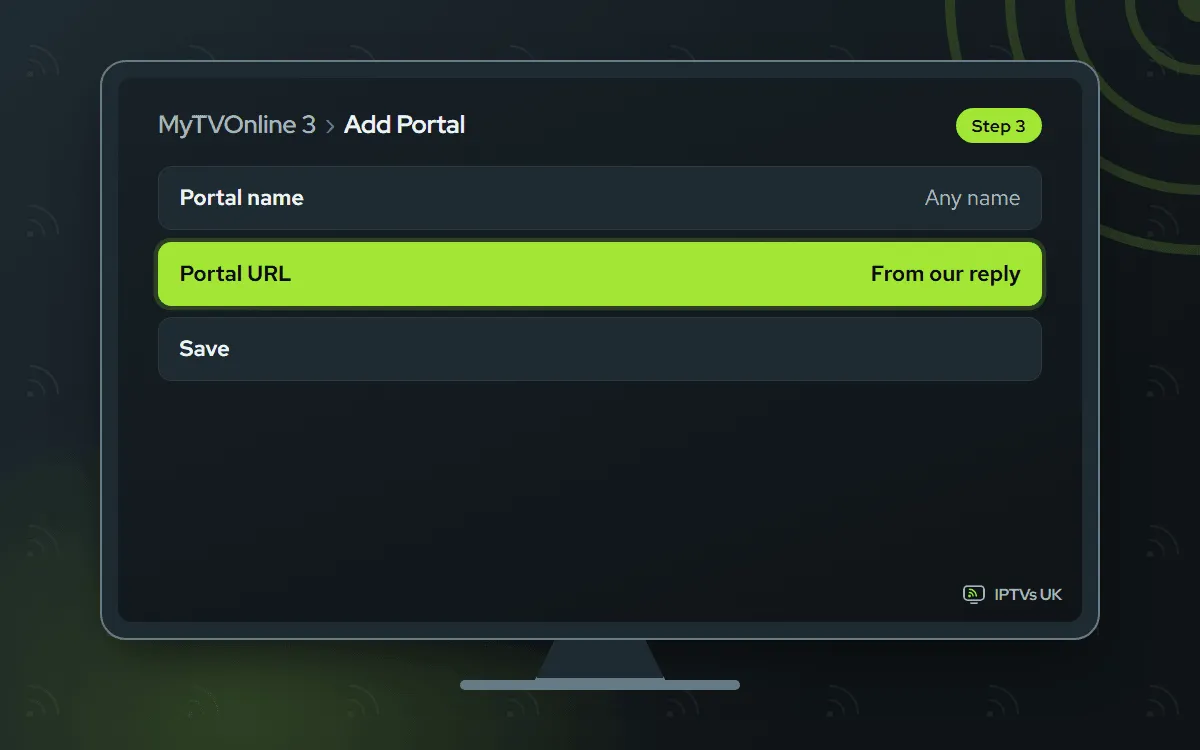
Back in MyTVOnline 3, go to Settings, Portal Settings, Add Portal, and type in the portal URL we replied with. Save, connect, and the channels load.
Before you start
Gather these first and the whole thing runs without a pause.
- The Formuler box, plugged into the TV and online. Wired beats wireless for this box.
- A steady connection. For 4K, plan on 25 Mbps or more.
- The login from our WhatsApp message: server URL, username and password, along with an M3U link. No plan yet? Browse the plans; any of them runs in MyTVOnline 3.
- About 10 minutes.
It is a one-off job: from tomorrow, you simply press the app icon. Every other device has its own walkthrough in the setup hub.
Which app should you pick?
For the quickest start, stay with MyTVOnline 3: it ships with the box and takes your Xtream Codes details straight away. Fans of the TiviMate guide layout can add that app from Google Play. And if typing a login on a remote sounds tiresome, choose the MAC portal and let us do the registering.
| Route | How it signs in | Download needed |
|---|---|---|
| MyTVOnline 3 | You type the Xtream Codes login | No, built in |
| TiviMate | You type the Xtream Codes login | Yes, from Google Play or code 272483 |
| MAC portal | You send the MAC, we register it | No, it runs in MyTVOnline 3 |
All three run on the same plan. Test each for a night and settle on your favourite.
Formuler on the Z and S series
Formuler builds its boxes with IPTV at the centre: a remote with live TV keys, and MyTVOnline 3 ready on first boot. Android sits underneath, and that is what lets TiviMate install too. Every step on this page applies to Z series and S series models alike.
Firmware updates sometimes rename a menu item. Where your screen reads differently from ours, pick the closest match nearby. When the box prompts you to update its firmware, say yes.
Fixes for common Formuler problems
Match your problem to a heading below.
MyTVOnline 3 reports a failed login
Hold our message next to the screen and compare all three login details letter by letter, deleting any trailing space. Check too that Xtream Codes API, not MAC portal, is the chosen login type. One wrong letter in the server address explains most failures.
The portal list stays empty
Select the portal again and allow a minute for the categories to load. If it is still empty, restart the box and connect once more. Nothing yet? Send us a WhatsApp; we look at your plan and activation and reply, usually within the hour.
TiviMate is missing from Google Play
Update the box software first, then search again. No luck? Add the Downloader app and enter the code 272483; it leads to the official download on files.tivimate.com. Installed either way, TiviMate works identically.
The picture buffers
Connect by Ethernet wherever possible; on a steady network the box copes with 4K well. Over Wi-Fi, use the 5 GHz network and give the box some distance from the TV panel. At busy times of the evening, an FHD or HD stream holds up better.
Channels appear in the wrong order
Rearrange the list with the app’s sort, favourites and group tools. Your order is stored per player, so moving to a different app means sorting it again. Hide the groups nobody watches and the list becomes far quicker to scroll.
Programme times in the guide are off
Start with the box: pick the correct time zone in its settings. Then shift the guide offset inside the player, an hour per try, until programmes line up, and refresh the guide.
Thinking about a second box?
A MAG box uses the same portal idea with no app choice, while an Android TV box gives you a full app store. Watching on two or three screens at once calls for a bigger plan, as shown on our plans page.
Ask us
Snap the screen and WhatsApp it to us, or email support@mediaprovider.online. We give Daily support, usually within the hour.
