IPTV on a Windows PC or a Mac
A PC, laptop or Mac is the quickest place to try your plan. Download one player from its official site, sign in once and the channels open in a window.
Short answer
A computer needs one desktop player. Install IBO Player and we activate it from a screenshot, install IPTV Smarters and enter the login details we sent on WhatsApp, or drop the M3U link into VLC to test the line. Take each download from its official site only; it all takes about 5 minutes.
- Works on
- Windows PCs, Macs and laptops
- Setup time
- About 5 minutes
- Difficulty
- Easy
- Apps in this guide
- IBO Player, IPTV Smarters and VLC
- You need
- The login we send on WhatsApp
No login yet? Compare the plans first. Unsure your connection copes with 4K? Run the IPTV speed test on the same network.
Install a player and sign in
Choose a tab. IBO Player is activated by us, IPTV Smarters takes your typed login, and VLC simply opens the M3U link.
IBO Player Paid app, we activate it
You screenshot the Device ID and Key for us. 7 days free, then a yearly or lifetime licence for each device, paid to the app's developer
-
Download IBO Player
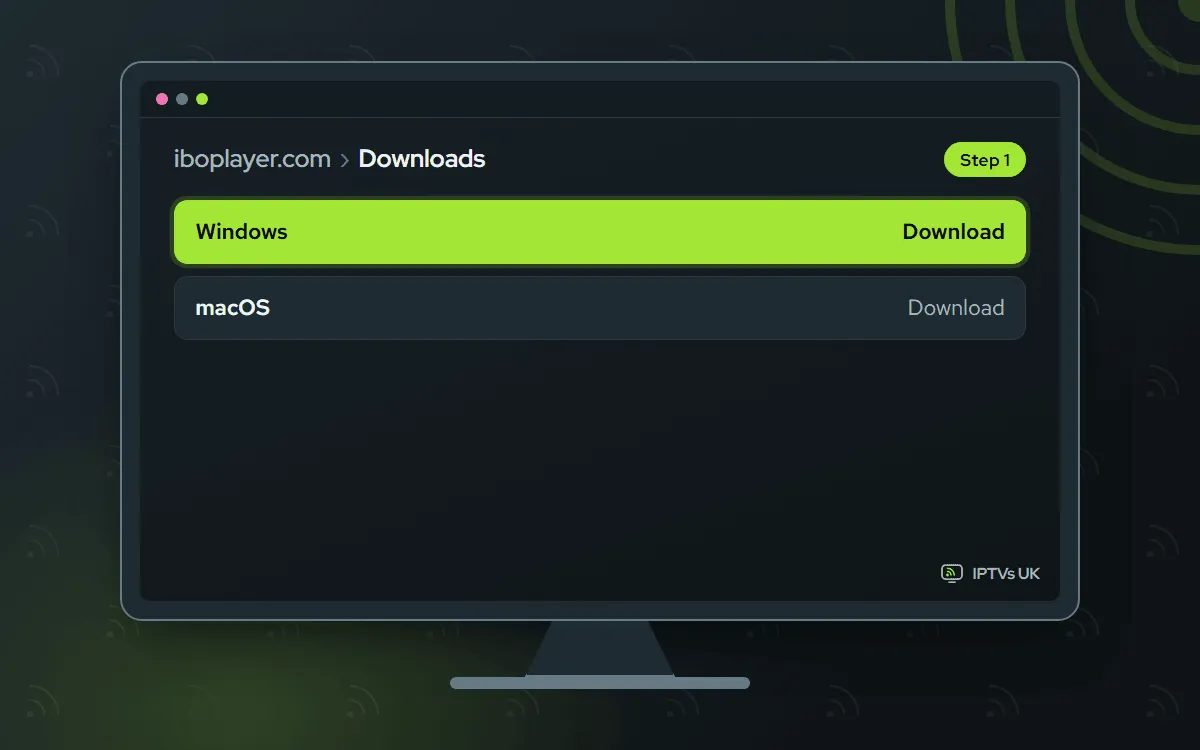
Go to the official IBO Player downloads page, pick the build for Windows or Mac, and run the setup like any other program.
-
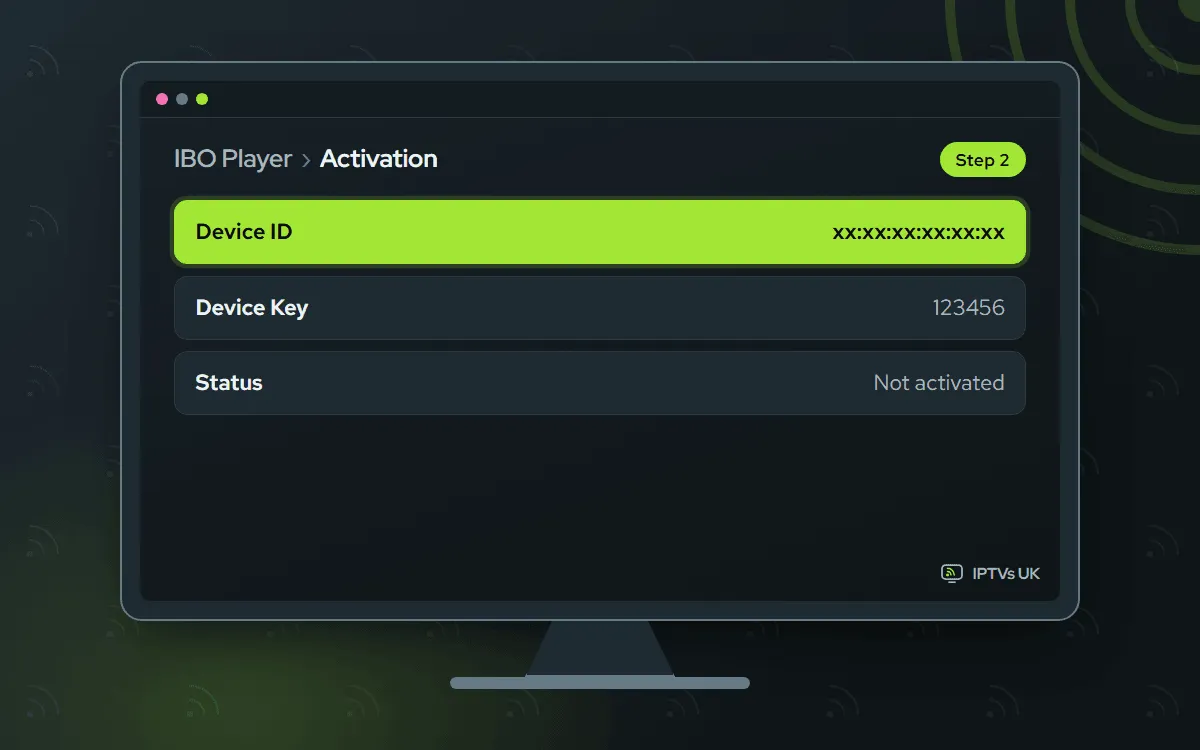
Screenshot the Device ID and Key
Start IBO Player. Its first window lists a Device ID and a Key. To capture it on a PC, the shortcut is Windows+Shift+S; Mac users press Command+Shift+4.
-
Send the picture on WhatsApp
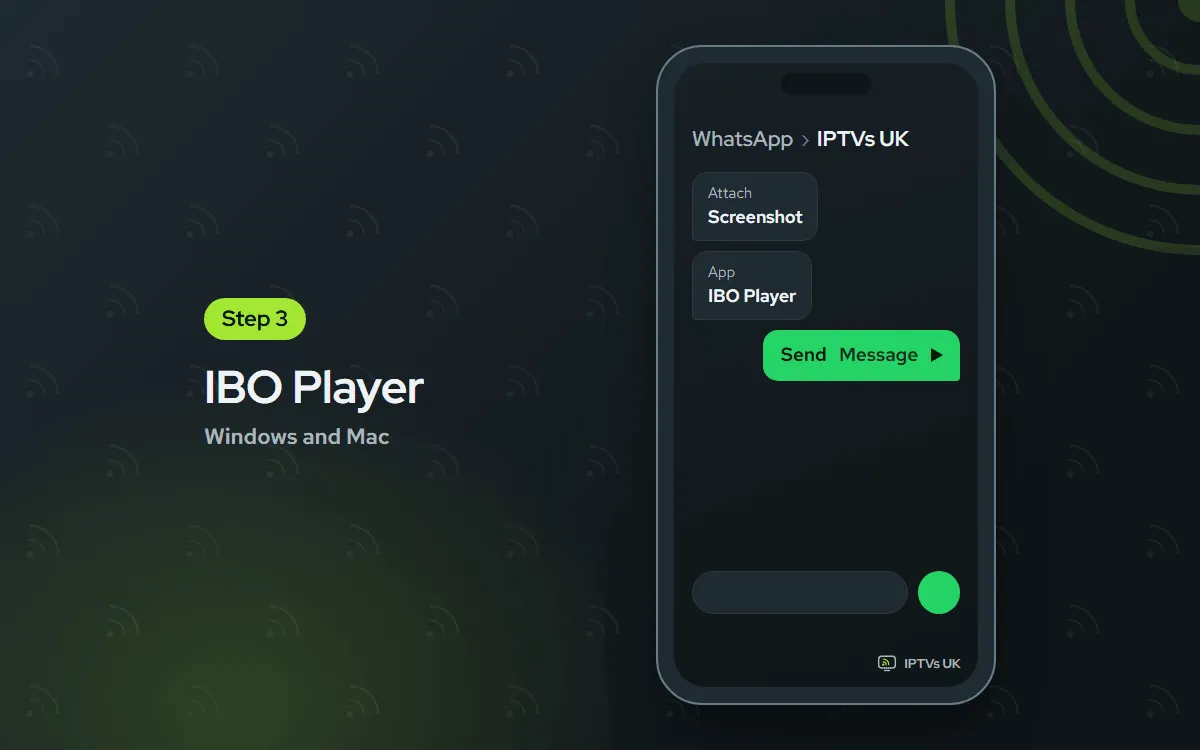
Send us the screenshot through WhatsApp Web or the WhatsApp app on your phone, and mention IBO Player. We confirm the activation, normally within minutes.
-
Restart IBO Player and watch
Quit the program fully, then start it again: the channels appear. If the list is still bare, give it a minute and restart once more.

IPTV Smarters Free app, you sign in
You type the Xtream Codes login yourself. Free; the desktop version comes from the developer's own website
-
Download IPTV Smarters
Fetch the installer for your computer from the official IPTV Smarters download page, which offers both the Windows and the Mac version.

-
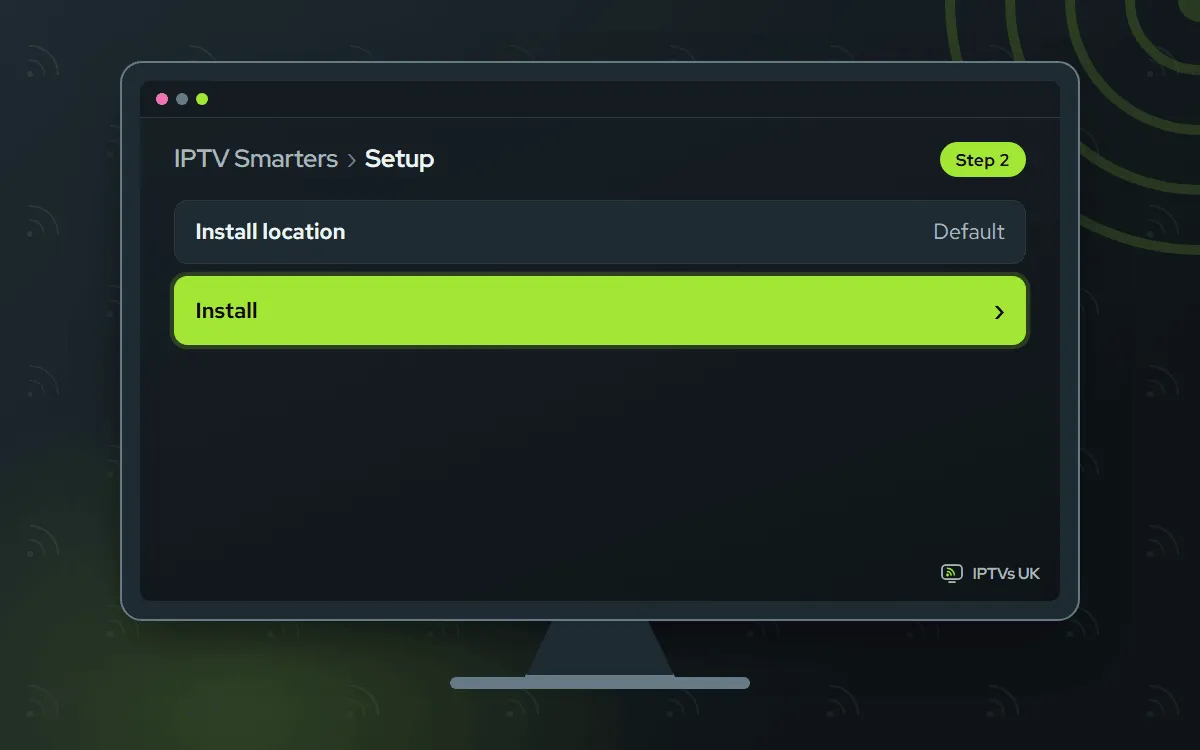
Install it and open it
On Windows, run the installer. On a Mac, drag the app into Applications. Then launch it. A security warning? The troubleshooting part of this page explains what to do.
-
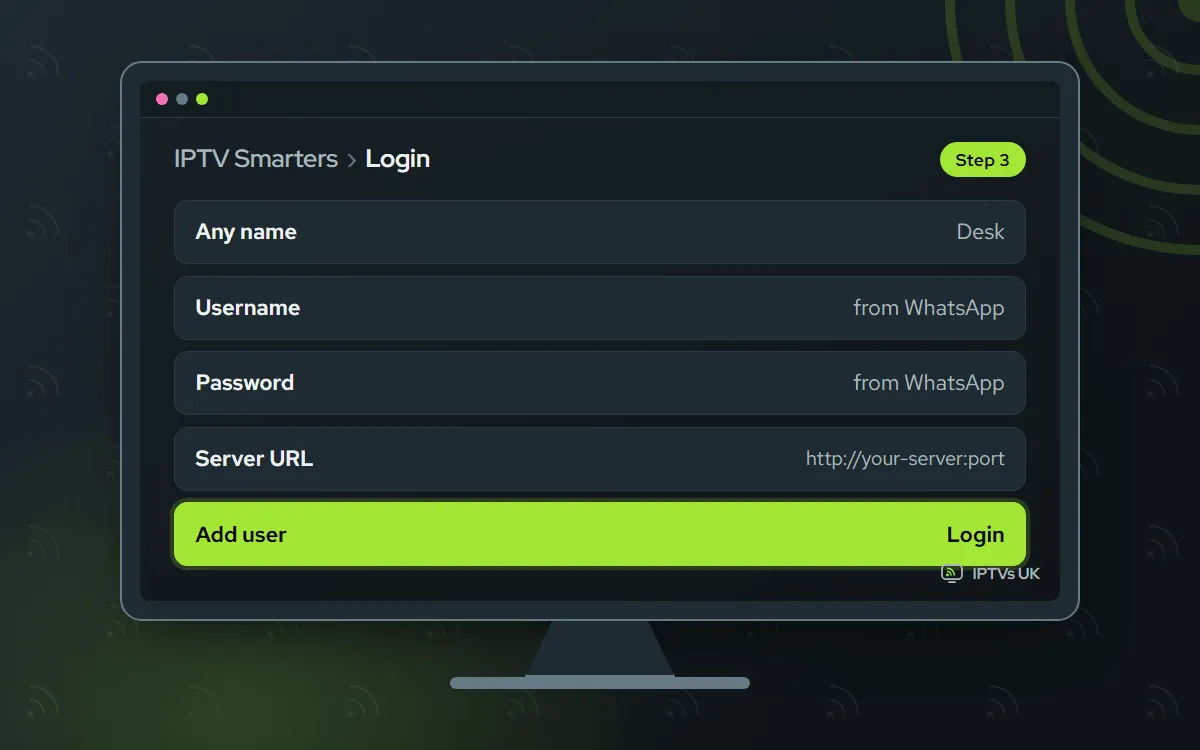
Sign in with Xtream Codes API
Click Login with Xtream Codes API. Type a name of your choice. Next, enter the username, the password and the server URL from our message, then select Add user.
VLC Free app, you paste a link
You paste the M3U link yourself. Free and open source. It opens the M3U link but has no TV guide
-
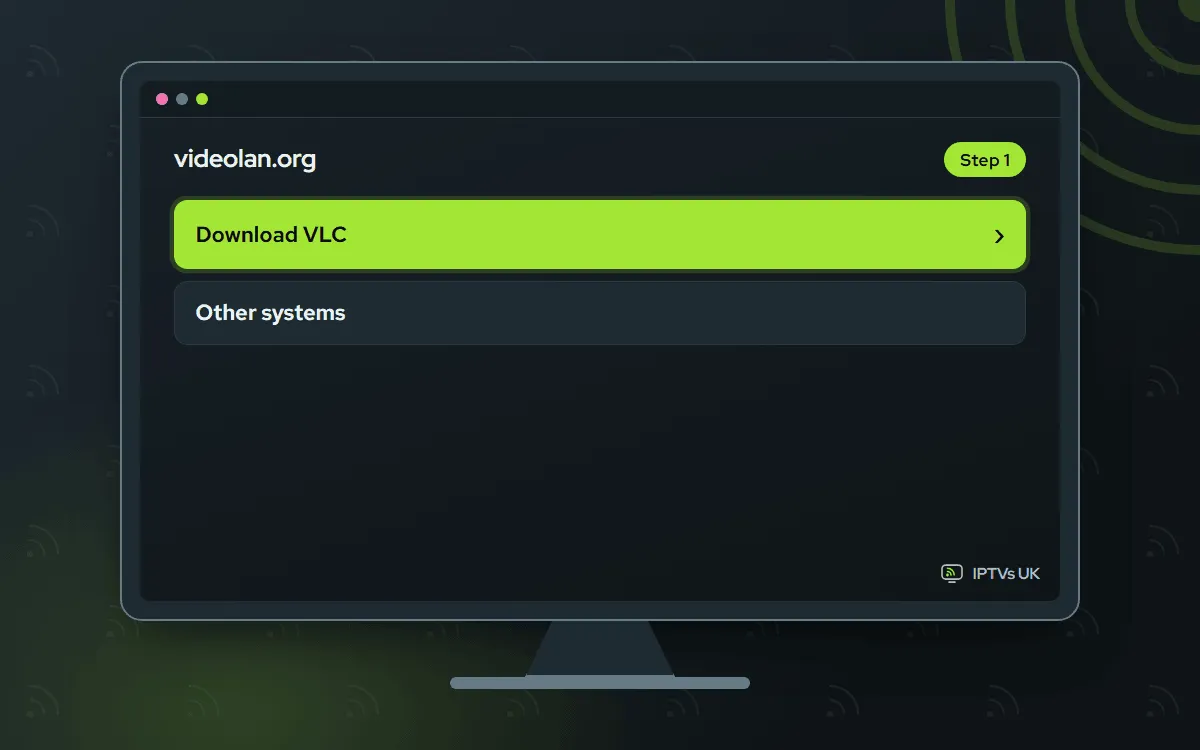
Install VLC
Get VLC from videolan.org, home of the VideoLAN project, then run the installer.
-
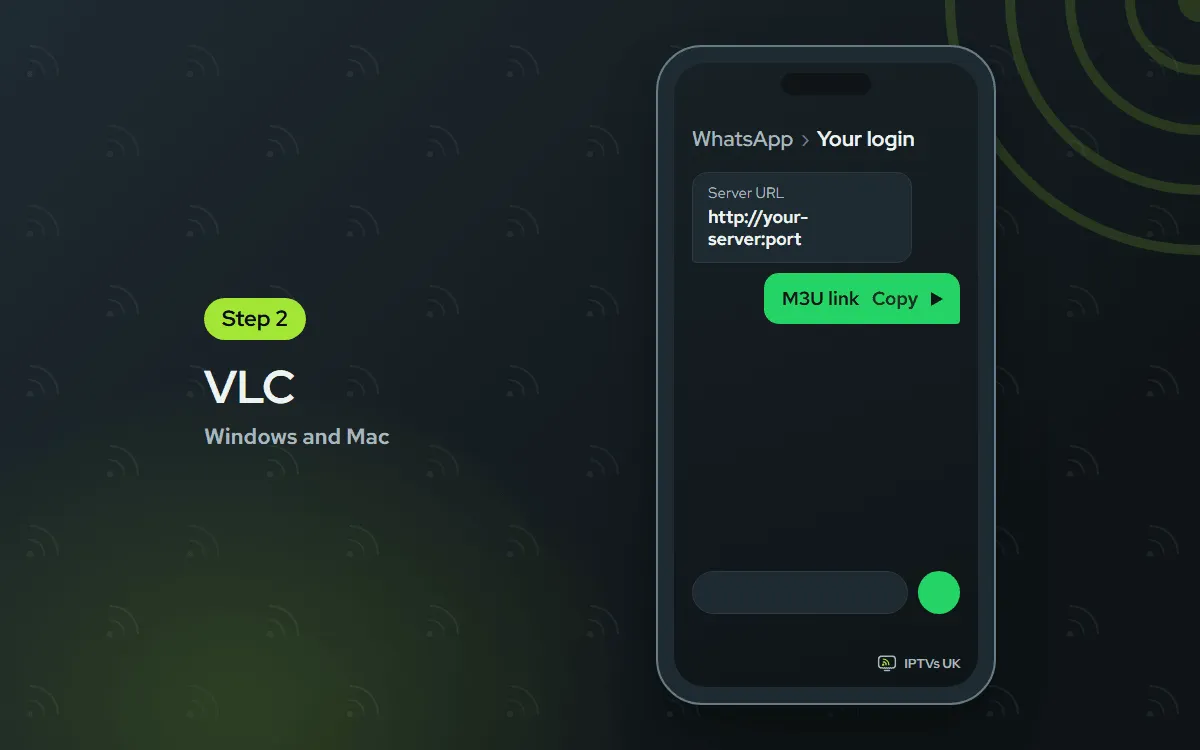
Copy the M3U link
In our WhatsApp message, select the whole M3U link, every character from start to end, and copy it.
-
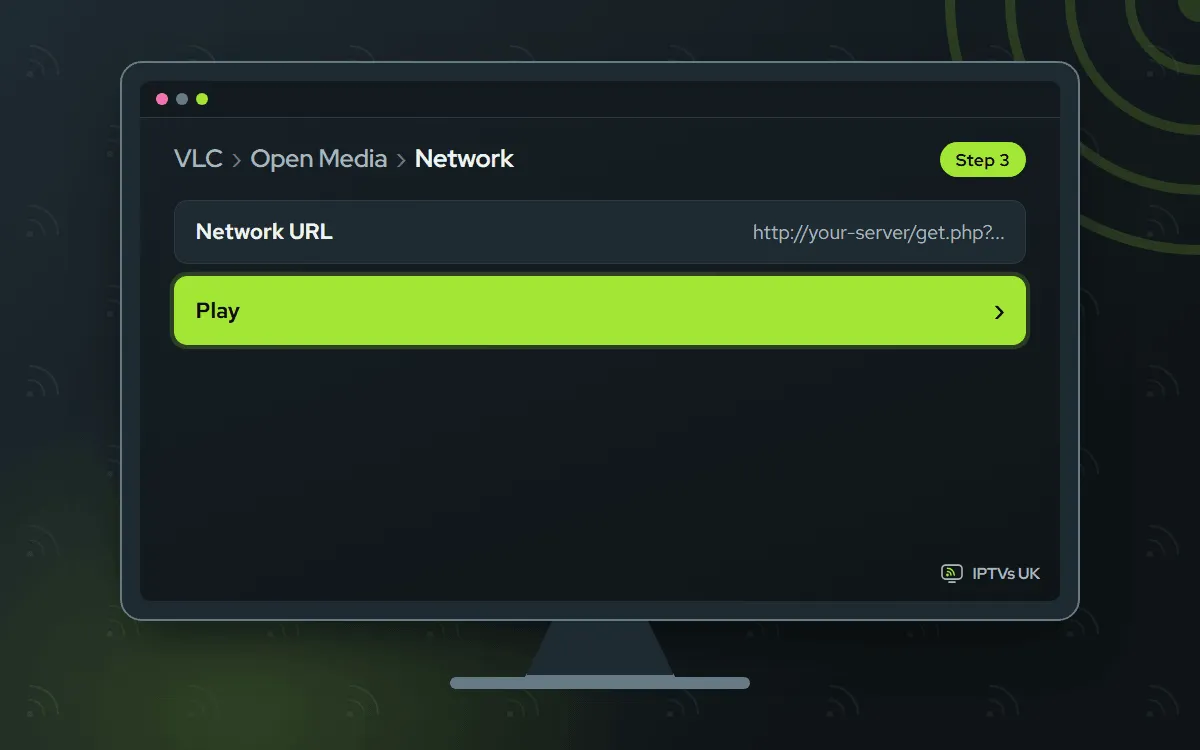
Open it as a network stream
On Windows, click Media, then Open Network Stream. On a Mac, click File, then Open Network. Paste the link and select Play.
-
Choose a channel
Show the list of channels and double-click the one you want. There is no TV guide in VLC, only the channel names.
Before you start
A computer is the fastest place to check that everything works. Get these ready first.
- Your PC or Mac, fully updated, on an account that is allowed to install programs.
- A cable if you can. Ethernet beats Wi-Fi on a desktop, and 4K needs 25 Mbps or more.
- Your WhatsApp login: four items, namely server URL, username, password and M3U link. No plan yet? See the plans; the details reach your WhatsApp a few minutes after you order.
- Roughly 10 minutes, counting the download.
You set this up once and then just open the program. Guides for your other screens live in the setup hub.
Which app should you choose on a computer?
IBO Player gives the fullest experience: a tidy channel layout, a TV guide and our activation, so no typing. IPTV Smarters is free and also has a guide, but you enter the login yourself. VLC costs nothing and takes a minute to get going. That makes it a good line test, but without a guide it is better for a quick look than for every night.
| App | How it signs in | TV guide | App cost |
|---|---|---|---|
| IBO Player | Screenshot to us, we activate it | Yes | 7 days free, then a yearly or lifetime licence for each device |
| IPTV Smarters | You type the Xtream Codes login | Yes | Free |
| VLC | You paste the M3U link | No | Free, open source |
We never receive the IBO Player licence money; the developer does, and we cannot refund it. Your plan with us is prepaid: Billed once, no auto-renewal.
Desktop player, VLC or web browser?
A desktop player such as IBO Player or IPTV Smarters is the one to keep. It groups channels, shows the TV guide and puts films and series in one place. VLC opens the M3U link dependably, but all you see is a plain channel list and the picture itself. We would rather say that now than have you hunt for a guide it does not have.
A browser tab is the weakest route. A normal tab usually cannot play these streams, and any web player that wants your login is an outside site you would be handing it to. A program installed from an official link is the safer bet.
Want the big screen? Run an HDMI lead from the laptop to the TV and move the player’s window onto the big screen. For nightly viewing, a player on the TV is simpler: see our guide for Samsung and LG TVs or the Fire TV Stick guide.
Troubleshooting IPTV on Windows and Mac
Pick the symptom that matches yours.
Windows will not run the installer
Microsoft Defender SmartScreen flags programs it has not seen often. Provided you downloaded it through our official link, click More info, then Run anyway. If your antivirus moves the file to quarantine, restore it only when you are sure where it came from; when in doubt, download it again.
The Mac says the app cannot be opened
macOS stops apps from developers it does not know. Try opening the app once so the block is logged. Next open System Settings, Privacy and Security, scroll to the bottom and click Open Anyway beside the app’s name, and confirm with your password. Only do this for files from the official downloads.
VLC shows nothing
A link cut short by even one character will fail. Reopen the network stream box and paste a new copy taken from WhatsApp. To bring up the channel list, use Ctrl+L (Windows) or, on Mac, Command+L.
The picture jerks or pauses
Shut heavy browser tabs and other busy programs, and plug in an Ethernet cable instead of relying on Wi-Fi where possible. Older laptops can find 4K hard to decode, so choose the channel’s FHD or HD feed instead. Another fix: flip the hardware acceleration switch in the player’s settings to its other position.
The login is turned down
Almost every refusal comes from an extra space or one wrong letter. Put each detail in its own box: URL first, then username, then password, each pasted from WhatsApp. The URL starts with http, and a port number in our message must stay in.
The player has no sound
Look at the output device in your computer’s sound settings, since a monitor or headset may have grabbed the audio. Next, open the player’s audio menu and try another track. VLC keeps both settings, track and output device, under its Audio menu.
Ask us
WhatsApp us a screenshot of what you see, or email support@mediaprovider.online. We offer Daily support, usually within the hour.
